

Switch between day, week, and month
Change how much of your schedule you see at once.
-
Open the view picker on the right of the calendar toolbar and choose Day, 3 day, Week, or Month.
Go to Calendar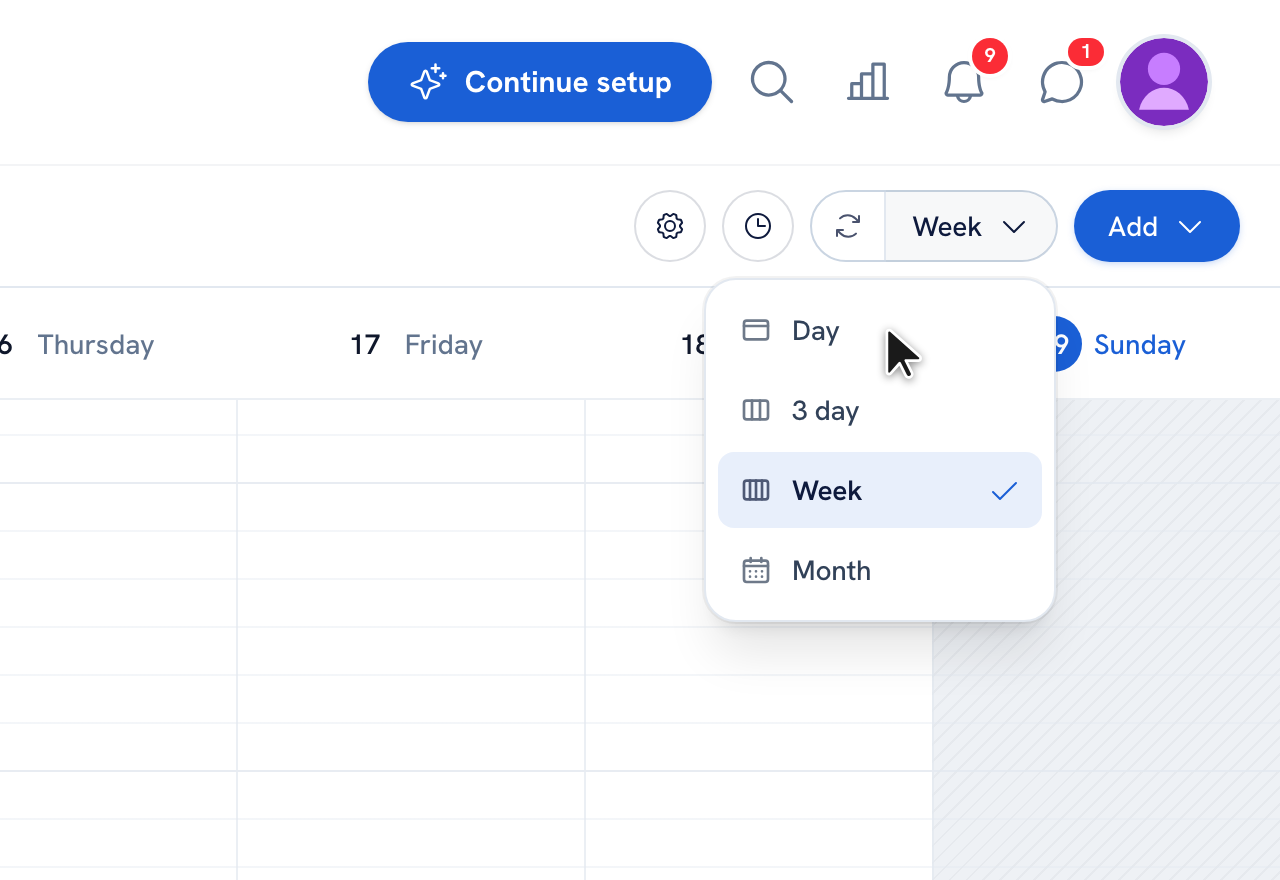
-
Use Today and the date arrows to move around, or click the date label to jump to a specific day.
-
In Day, 3 day, and Week views, open Calendar zoom in settings to change the time-grid density — from whole hours down to 5-minute lines — and the left-side time labels adjust to match.
Tip: On phones the calendar shows Day and Month views to keep everything readable on a small screen. To change an appointment's length, drag its bottom edge — it snaps to 5 minutes and previews the new end time as you drag.
Recommended articles



Thanks for your feedback!
Was this guide helpful?