

Create a class
Creating the class and scheduling it are two separate steps. This one sets up what the class IS; the dates come after.
-
Open Catalog in the sidebar and choose Class menu.
Go to Class menu
-
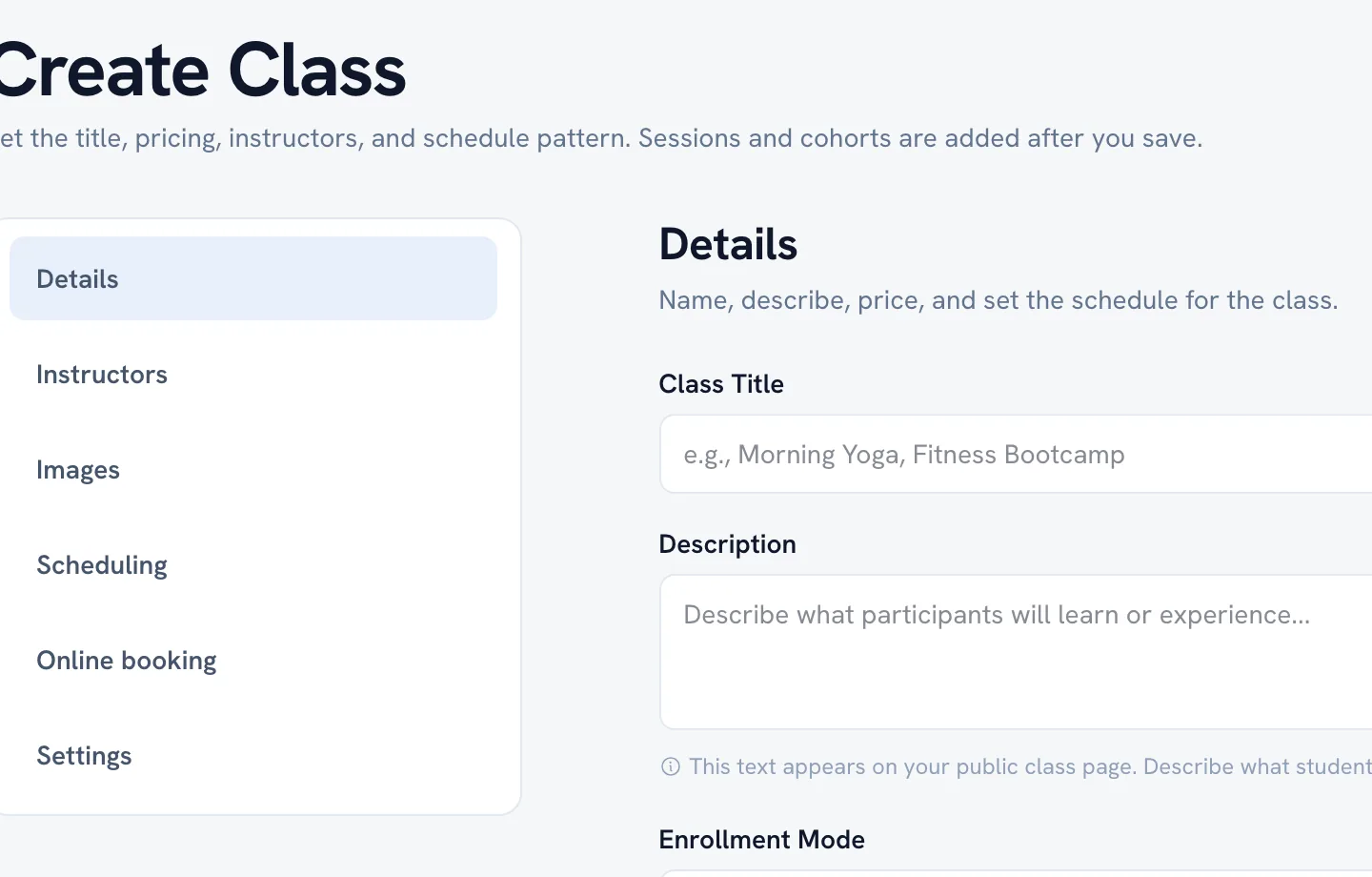
Click Add class and fill in Details — the name, the description, and the price.
-
Add photos under Images. The first one is the cover clients see first.
-
Under Instructors, pick the staff who teach it. Leave it empty if you teach it yourself.
-
Set Pricing — the drop-in price, and package or series pricing if you sell those.
-
Save. The class exists now, but nobody can book it until it has sessions with dates.
Tip: A class with no dated sessions stays off your public profile. That is almost always the reason a class you just created is nowhere to be found.
FAQ
Where do I add the dates?
Can somebody else teach a class I created?
Recommended articles


Thanks for your feedback!
Was this guide helpful?