

Back
For professionals
Calendar and schedule
Filter by team member
Filter by team member
Focus the calendar on one person or your whole team.
-
Open the team picker on the left of the toolbar and choose All team, everyone, or a specific team member.
Go to Calendar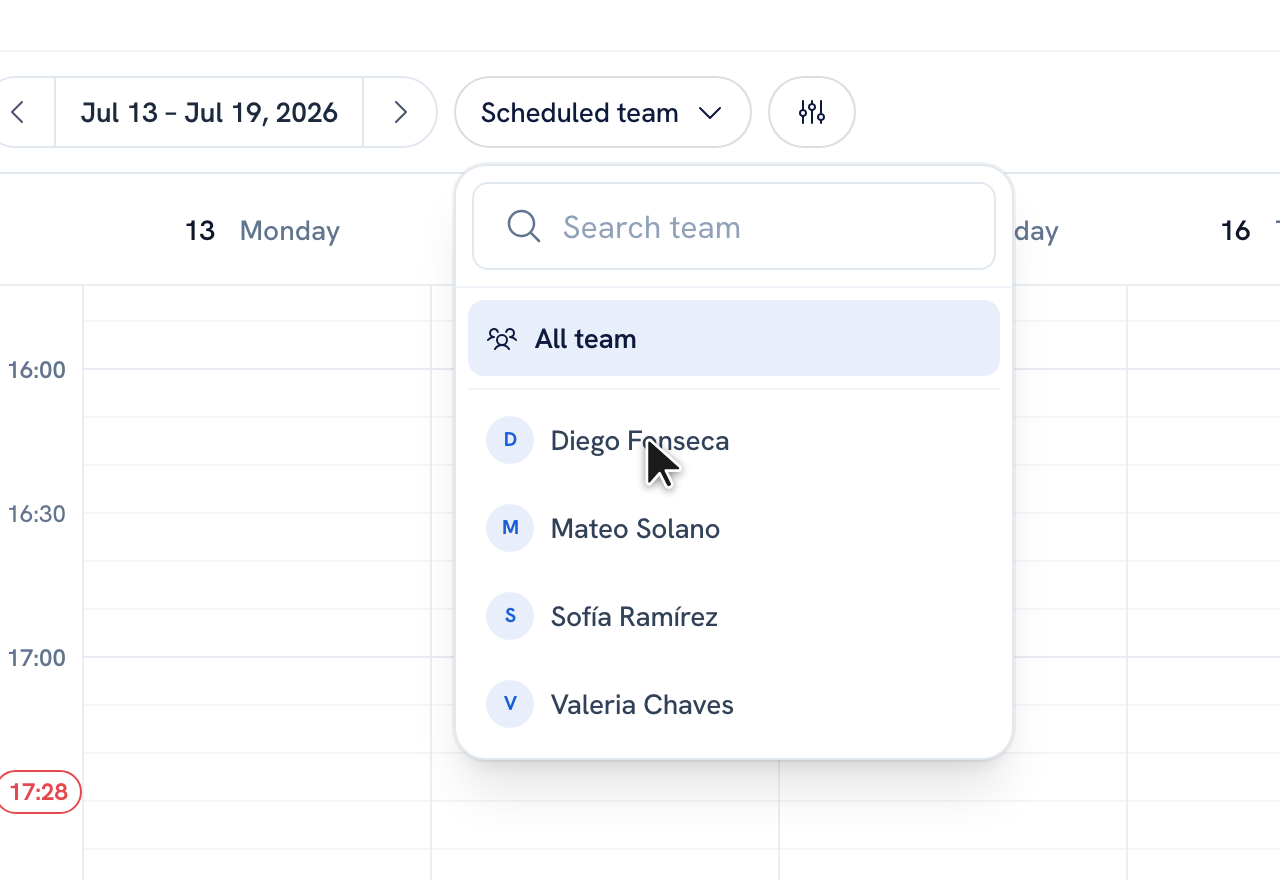
-
The calendar redraws to show only the columns you picked.
Tip: Use the Filters button for finer control over what appears on the grid.
Recommended articles



Thanks for your feedback!
Was this guide helpful?