

Back
For professionals
Calendar and schedule
Repeat appointments
Repeat appointments
Set an appointment to repeat so regular clients keep the same slot without rebooking each time.
-
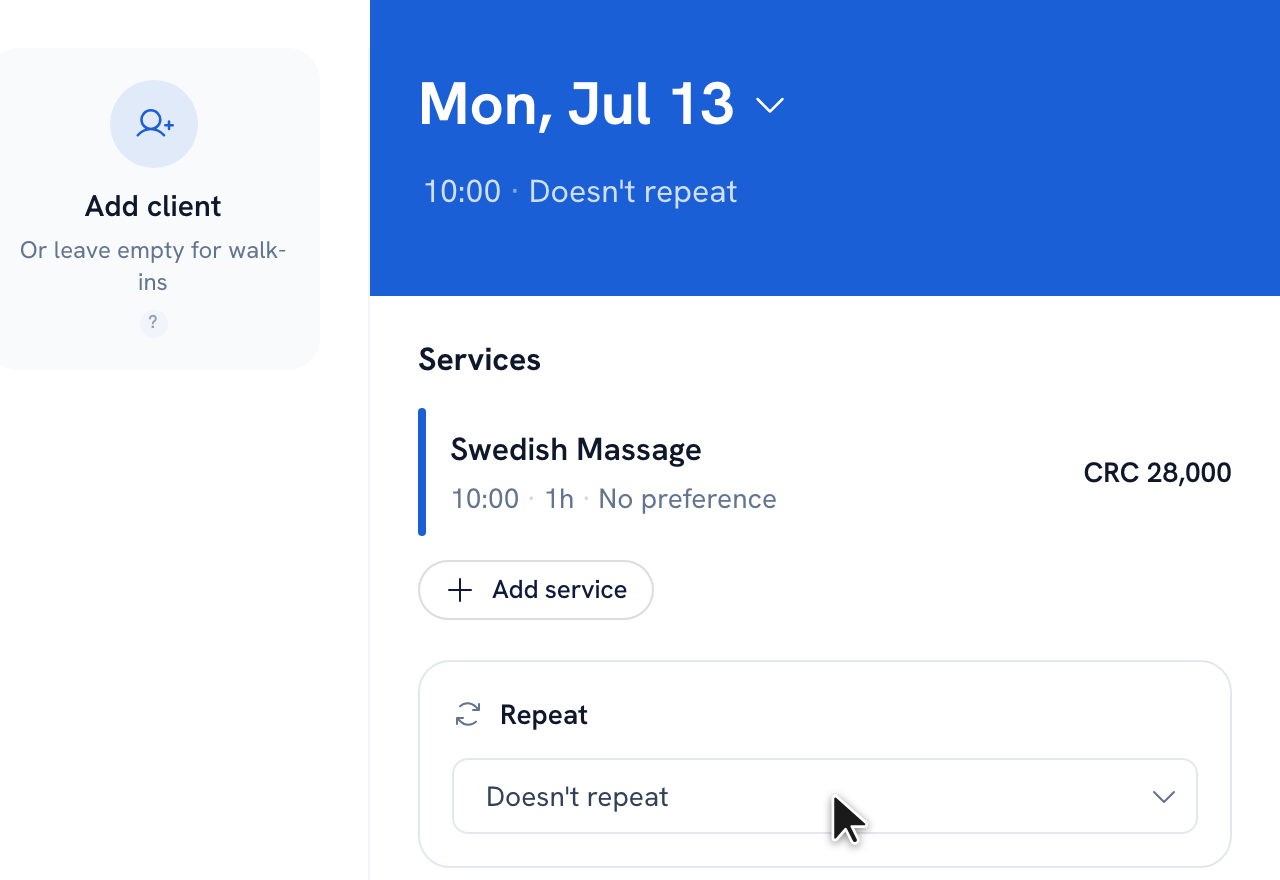
Create the appointment as usual until you reach the summary step.
-
In the Repeat card, choose a frequency: Weekly, Every 2 weeks, or Monthly.
-
Optionally set a Repeat until date. Leave it blank and WellFred schedules the series for the next 90 days.
-
Click Save to create the whole series at once.
Tip: When you later edit or move one appointment in a series, WellFred asks whether the change applies to this appointment only, this and following appointments, or all appointments.
Recommended articles



Thanks for your feedback!
Was this guide helpful?