

Back
For professionals
Calendar and schedule
Book a client into an appointment
Book a client into an appointment
Attach a client to an appointment so their details and history stay linked.
-
While creating an appointment, open the Add client panel on the left and search your client list, then select the client.
Go to Calendar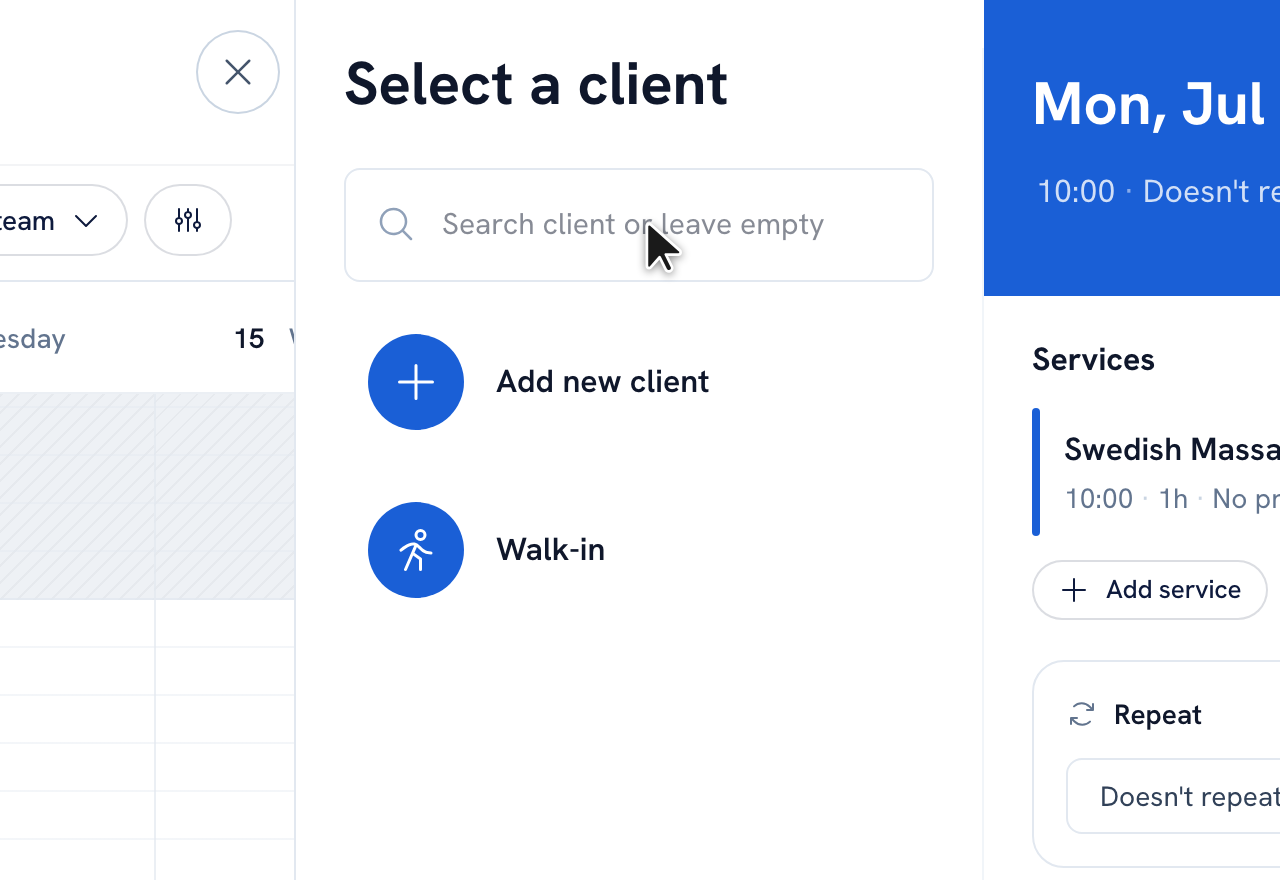
-
No match yet? Click Add new client to create one without losing the appointment, or choose Walk-in.
Tip: Once a client is attached, you can jump to their full profile from the appointment with the View client link.
Recommended articles



Thanks for your feedback!
Was this guide helpful?