

Back
For professionals
Team members
Choose what a member offers
Choose what a member offers
A member is offered to clients only for the services assigned to them. Leave it on all services and they can be booked for anything.
-
Open Team → Team members and click the member.
Go to Team members -
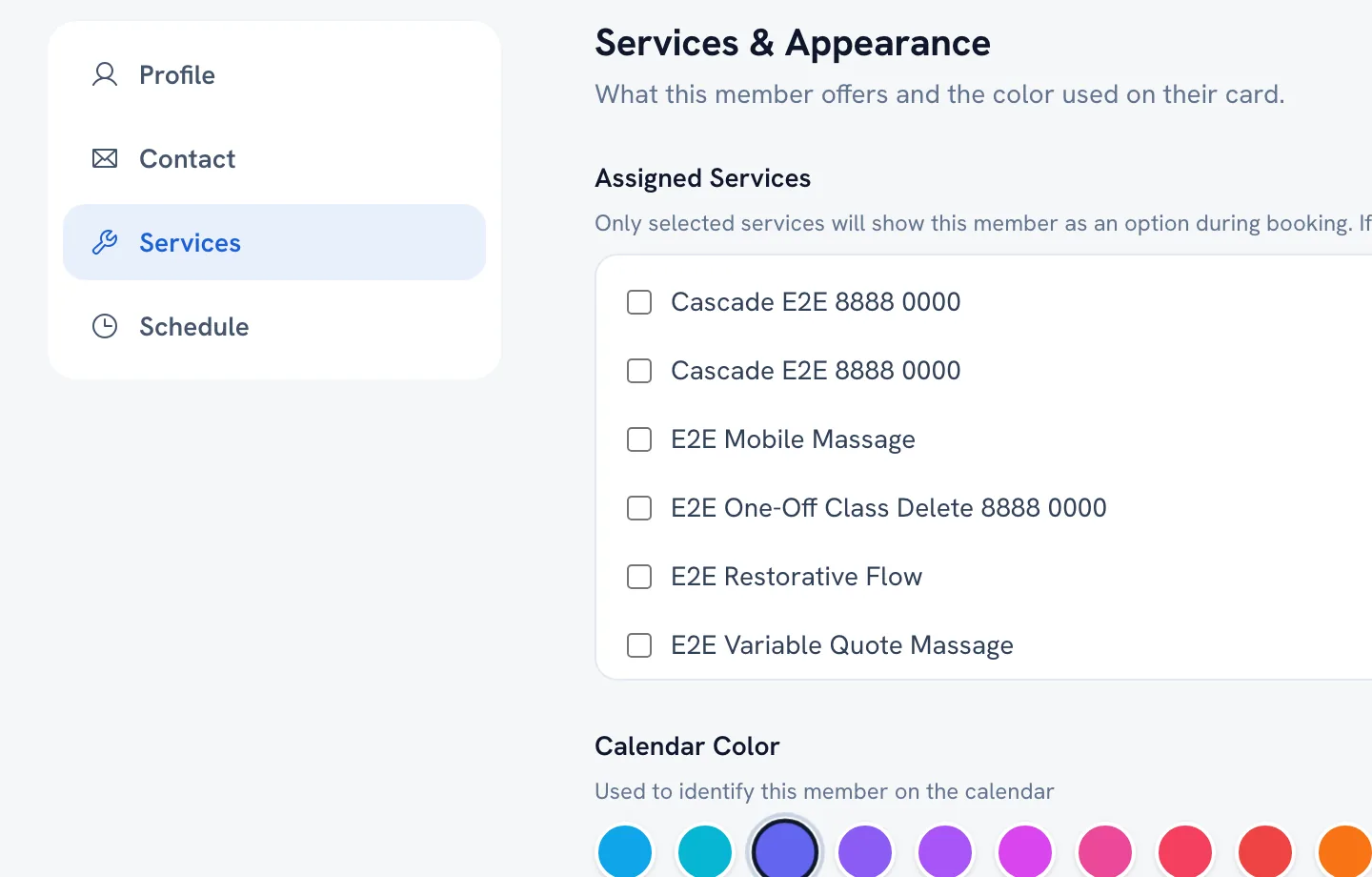
Go to the Services section of the editor.
-
Pick the services this person offers, or leave All services selected.
-
Save.
FAQ
Why does a member never come up for a service?
That service is probably not assigned to them. Open the member, check the Services section, and add it.
Recommended articles



Thanks for your feedback!
Was this guide helpful?