

Back
For professionals
Team members
Set a member's working hours
Set a member's working hours
A member is only offered inside their own working hours. This is separate from your business hours: the narrower of the two wins.
-
Open Team → Team members and click the member.
Go to Team members -
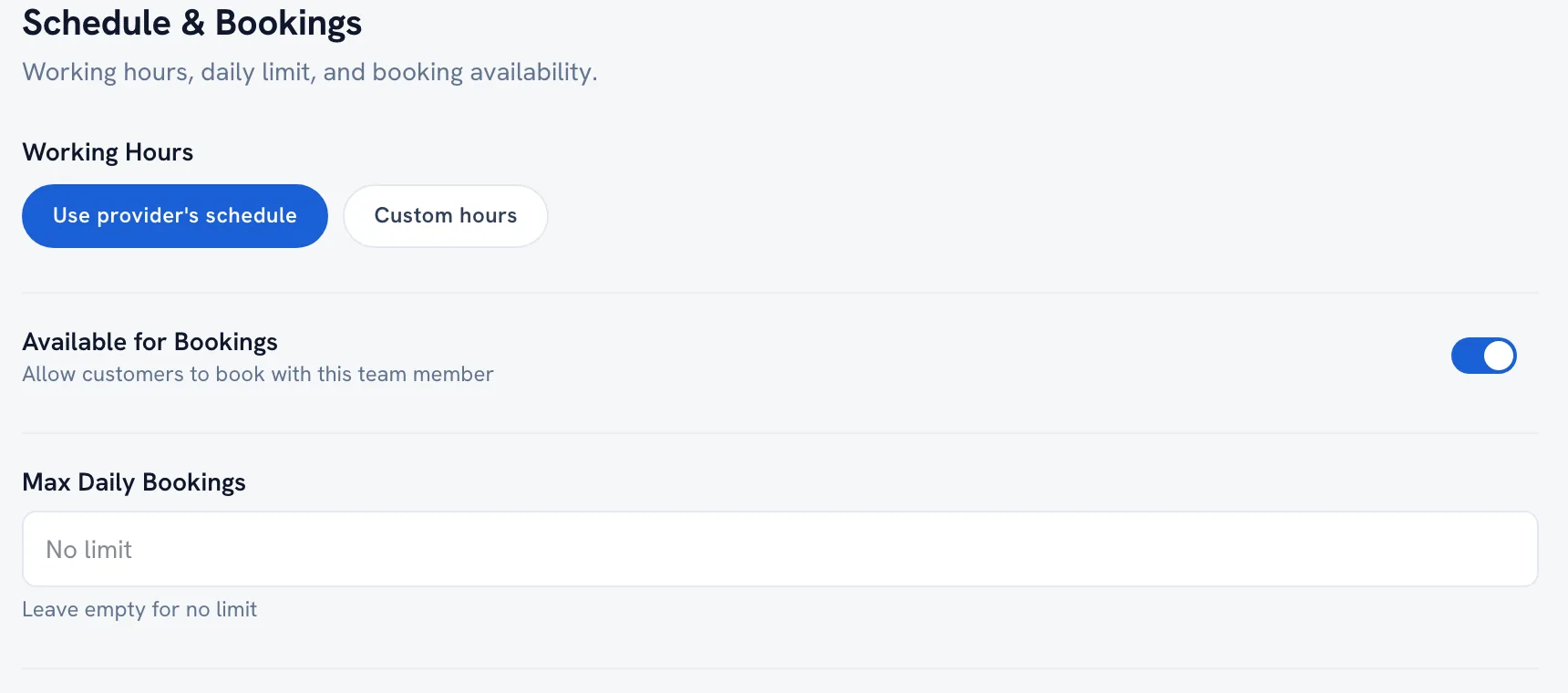
Go to the Schedule section of the editor.
-
Set the days and hours they work.
-
Save.
Tip: Your booking rules still apply on top — buffers and minimum notice can hide a slot that the schedule allows.
Recommended articles



Thanks for your feedback!
Was this guide helpful?