

Back
For professionals
Team members
Add a team member
Add a team member
A team member is somebody clients can book with. Adding one takes a name and an email; everything else can wait.
-
Open Team in the sidebar, choose Team members, and click Add. The form opens as Add Team Member.
Go to Team members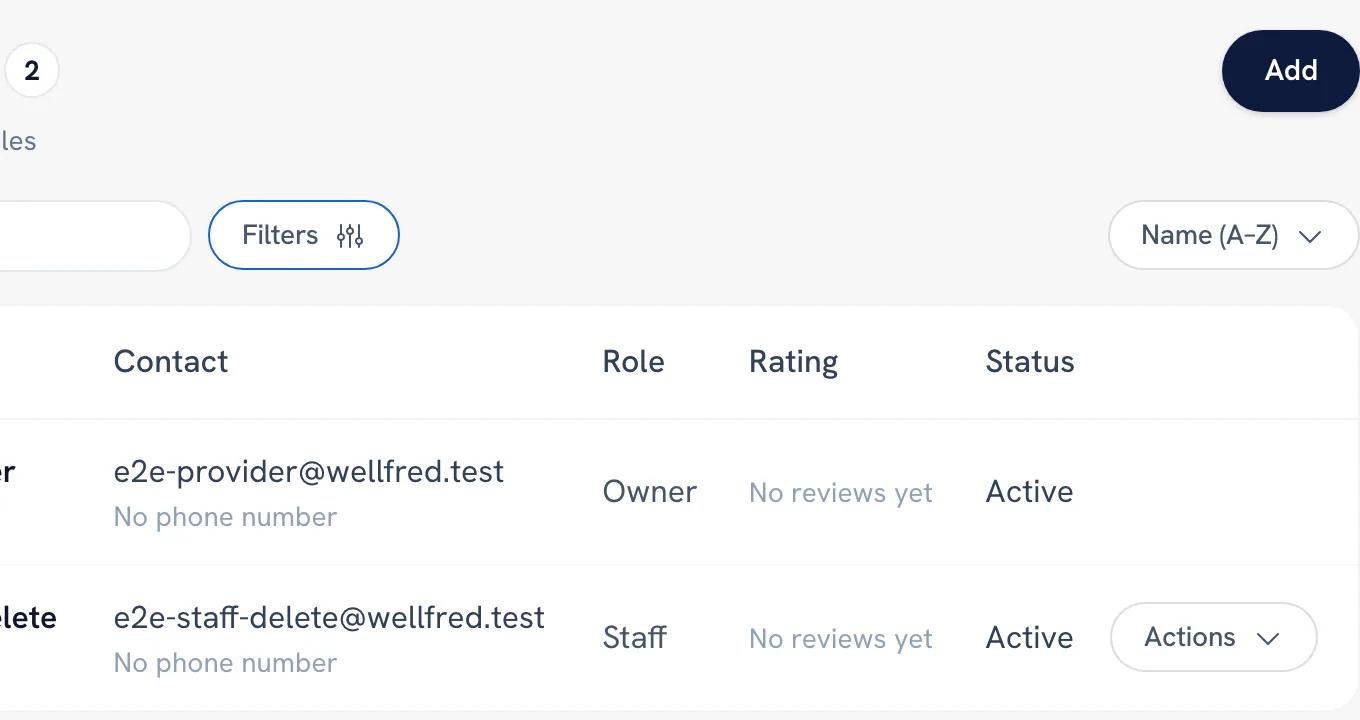
-
Fill in Display Name and Email Address under Profile.
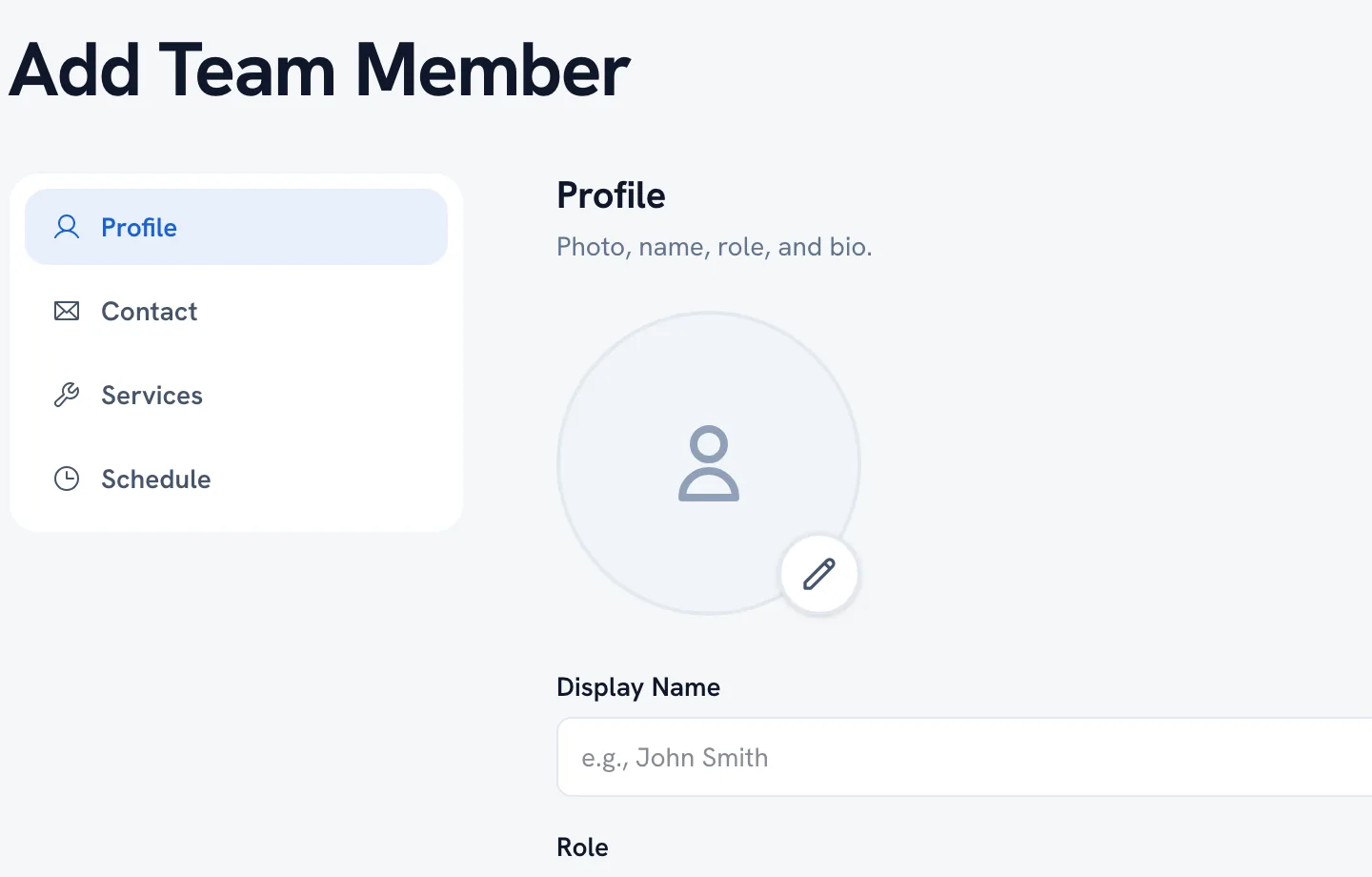
-
Add a Job title if you want it shown to clients online.
-
Save.
Tip: The editor is split into Profile, Contact, Services and Schedule — you can save after Profile and come back for the rest.
FAQ
Do they need their own WellFred account?
They are added with their email address. What they can see and do depends on the Role you give them.
Recommended articles



Thanks for your feedback!
Was this guide helpful?