

Back
For professionals
Services
Show or hide a service online
Show or hide a service online
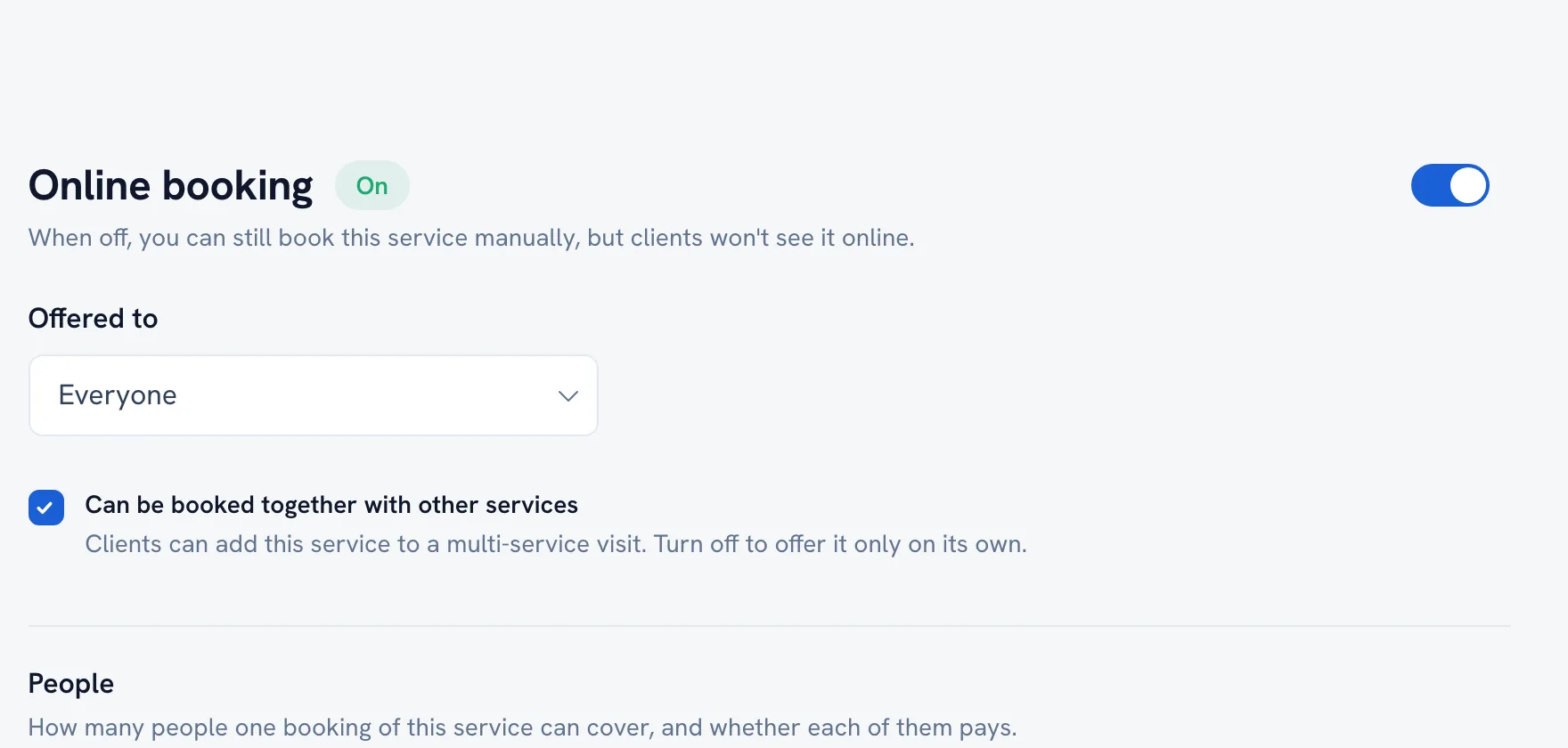
A service can exist for your own bookings without being offered to the public. The Online booking section decides which.
-
Open the service and go to the Online booking section.
Go to Service menu -
Choose whether clients can see and book it online.
-
Save.
Tip: A hidden service can still be booked by you from the calendar — hiding it only removes it from what clients browse.
FAQ
Why is my service not showing on my page?
Check the Online booking section of the service first. After that, check that your listing itself is published.
Recommended articles



Thanks for your feedback!
Was this guide helpful?