

Back
For professionals
Services
Choose who performs a service
Choose who performs a service
A service is offered with every team member unless you say otherwise. Narrowing it keeps somebody from being booked for work they do not do.
-
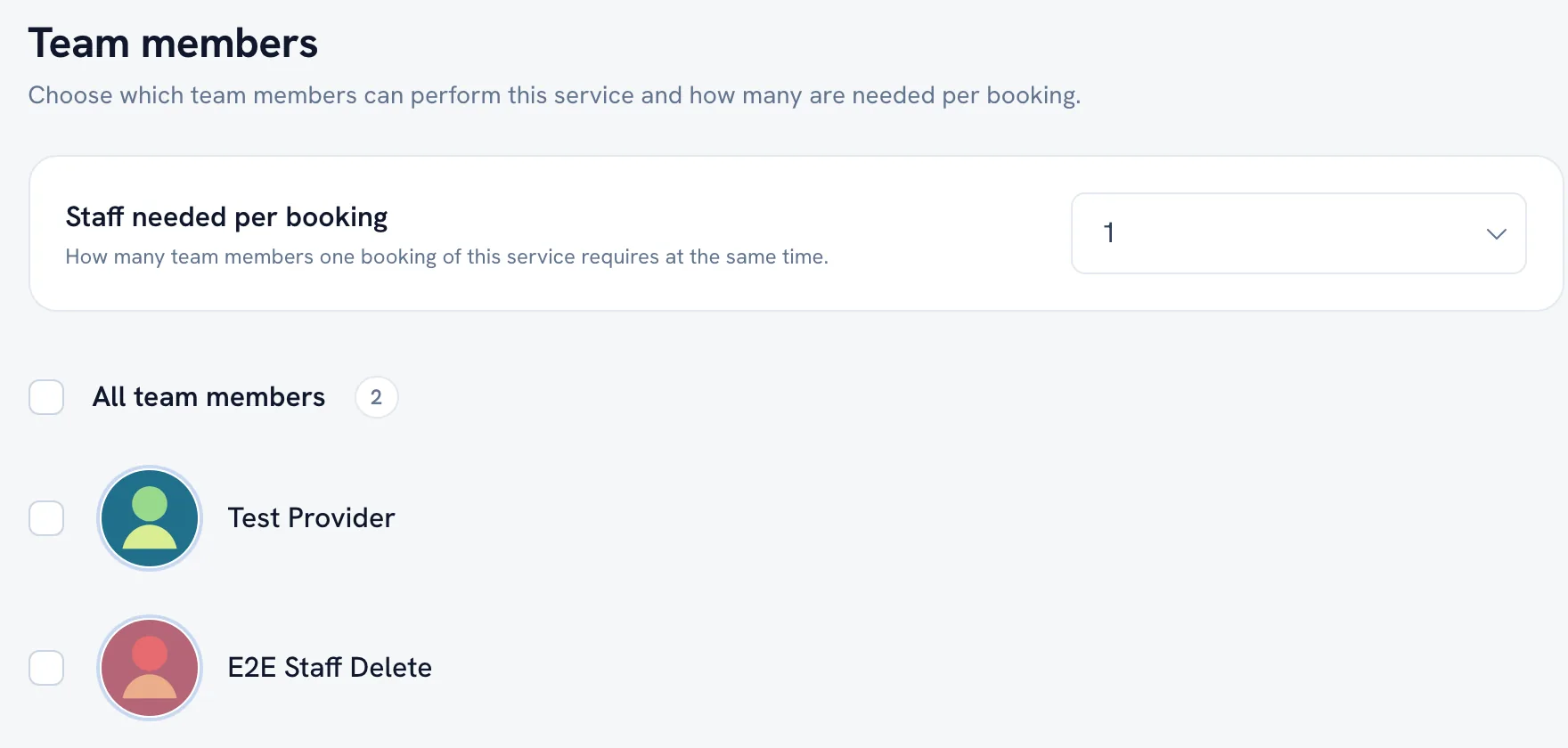
Open the service and go to the Team members section.
Go to Service menu -
Answer Who can perform this service? — leave All team members, or pick the ones who do.
-
Save.
Tip: The same choice can be made from the other side: open a member and set their Services.
Recommended articles



Thanks for your feedback!
Was this guide helpful?