

Back
For professionals
Messages and chat
Share your location in a chat
Share your location in a chat
A client who is on the way needs an exact place, not a description. Share it from the conversation and they can open it in the map app they use.
-
Open the conversation in Messages and click Share Location beside the message box.
Go to Messages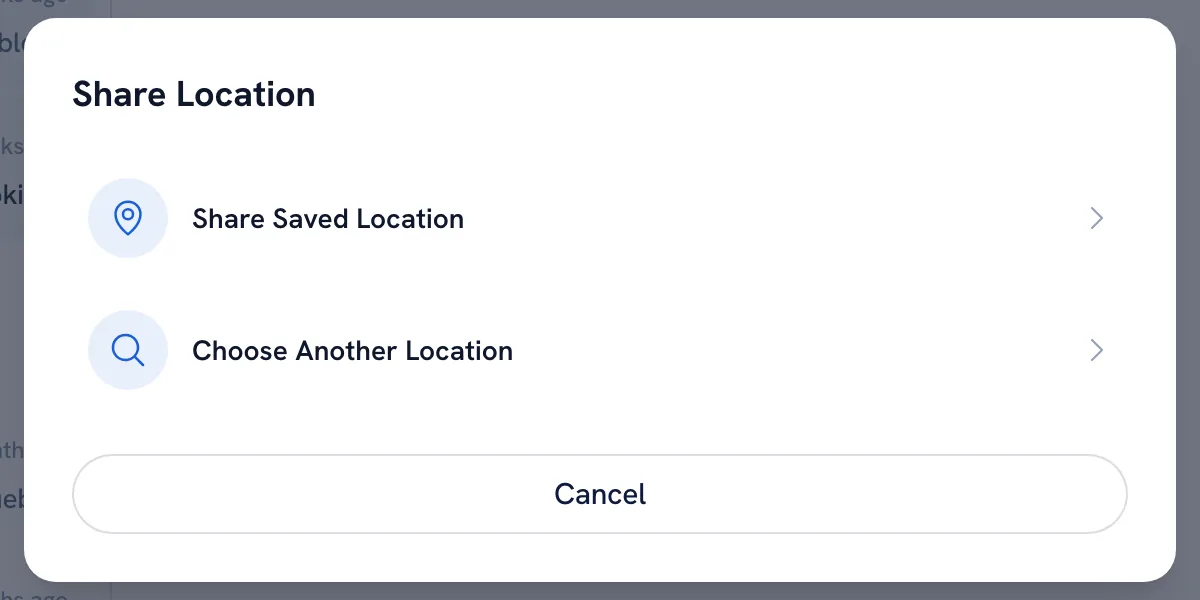
-
Choose Share Saved Location to send your business location, or Choose Another Location to pick a meeting point on the map.
-
The client gets a card they can open in Google Maps or Waze.
Tip: A location shared this way is only visible inside that conversation.
Recommended articles



Thanks for your feedback!
Was this guide helpful?