

Reply to a client
Messages from clients arrive in your inbox, newest first. Here is how to find one and answer it.
-
Open Messages from the chat icon at the top of the screen.
Go to Messages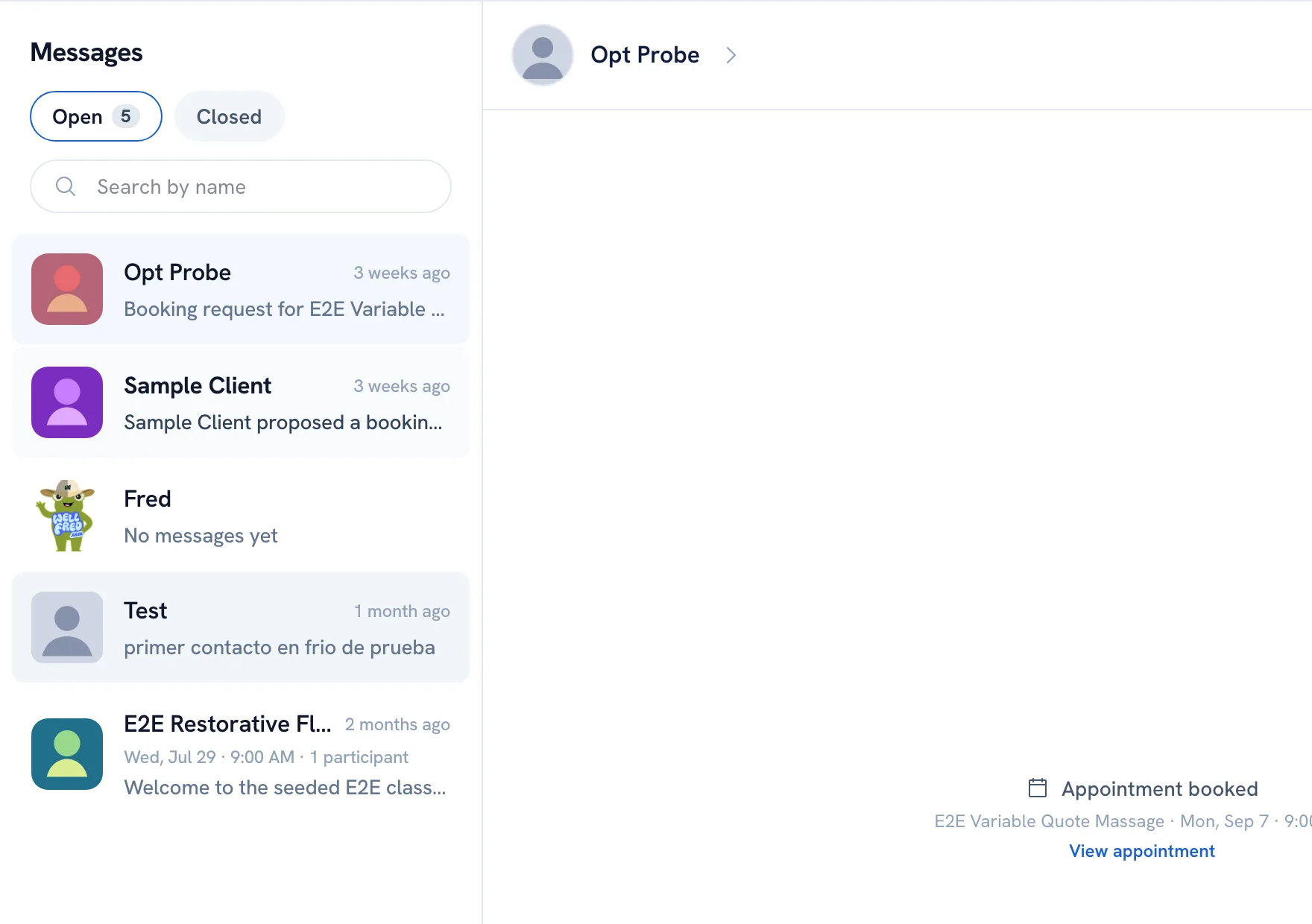
-
Pick the conversation under Open. To find someone, use Search by name — it looks at names, not at what was written.
-
Write in Type a message... and click Send. Use Send a photo or Insert emoji next to it if you need them.
-
To answer one message in particular, open that message's menu and choose Reply. The same menu lets you Copy it, and Edit or Delete one you sent.
Tip: Click Open details at the top of a conversation to see who you are talking to, their bookings with you, and a link to their client record.
Recommended articles



Thanks for your feedback!
Was this guide helpful?