

Back
For professionals
Messages and chat
Close, mute or mark a conversation
Close, mute or mark a conversation
Closing a conversation takes it out of your inbox without deleting anything. It comes back by itself if the client writes again.
-
In Messages, open the conversation and click Conversation actions at the top.
Go to Messages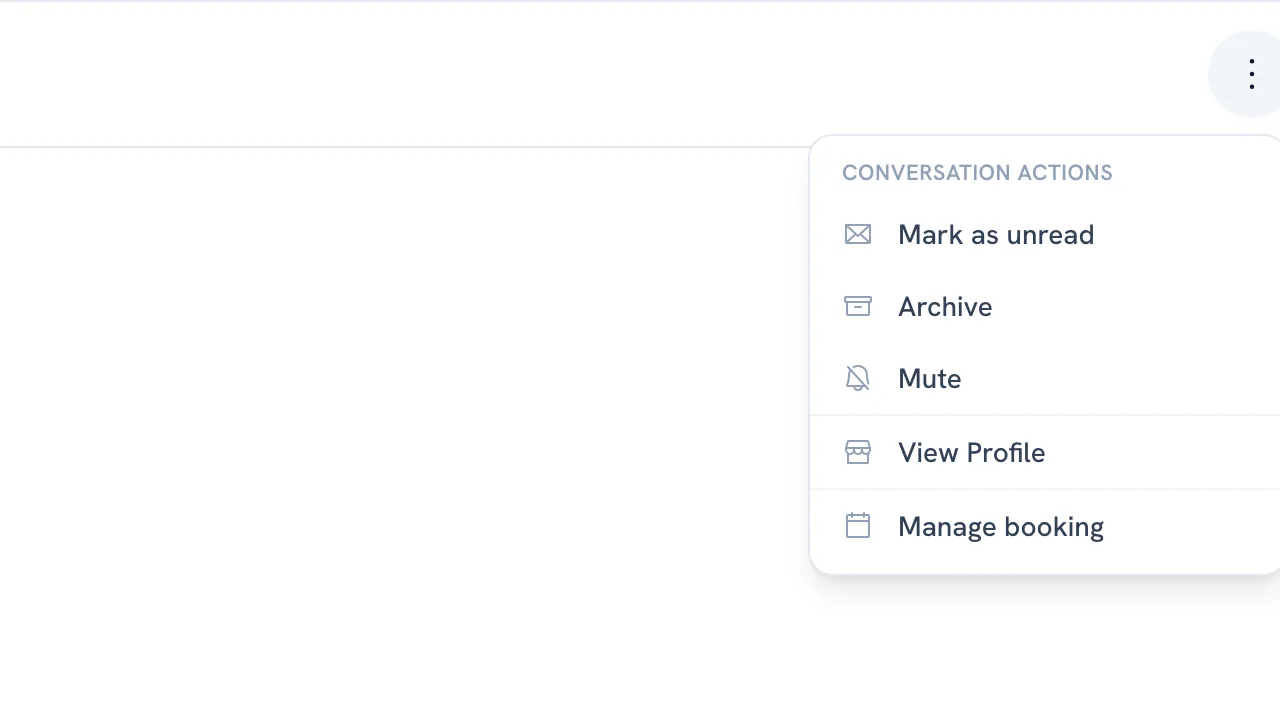
-
Choose Archive to close it. It moves to the Closed tab, and the notice that appears has Undo in case it was a slip.
-
Choose Mute to stop being notified about it, or Mark as unread to leave it waiting for later.
-
To bring a closed one back, open it from Closed and choose Unarchive.
Recommended articles



Thanks for your feedback!
Was this guide helpful?