

Back
For professionals
Events
Create an event
Create an event
The event exists as soon as you save it, but the dates are what make it bookable. Those come in the Schedule section afterwards.
-
Open Catalog in the sidebar and choose Event menu.
Go to Event menu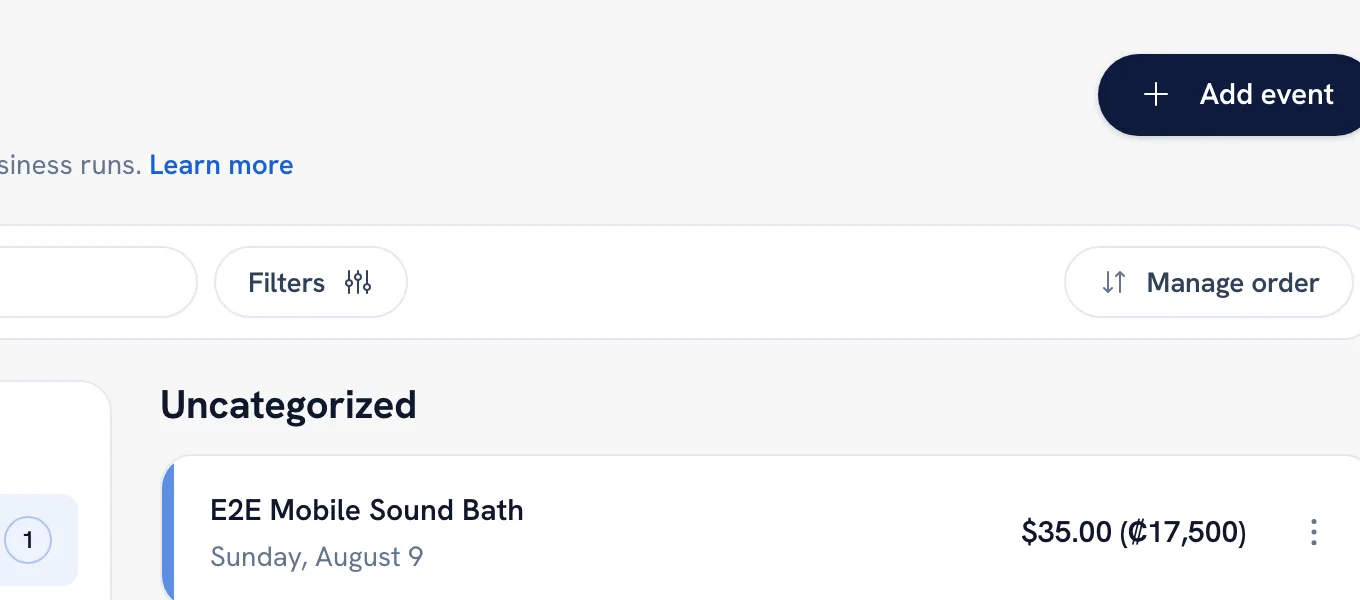
-
Click Add event and fill in Details — the name, the description, tags, and the price.
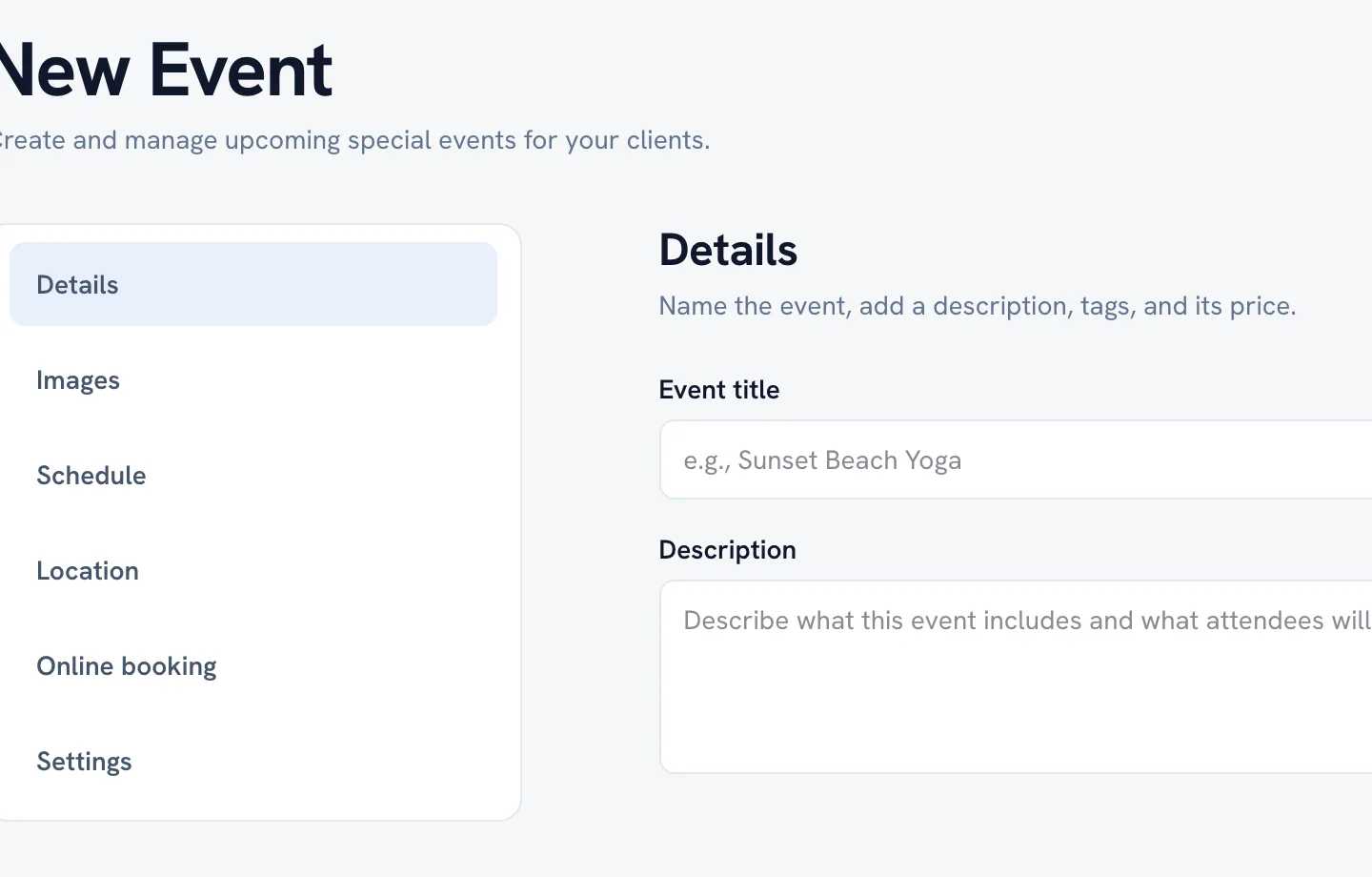
-
Add photos under Images. The first one is the cover; tap the star on another photo to promote it instead.
-
Set Location — where the event actually takes place.
-
Save, then open Schedule to give it dates.
Tip: Tags are how an event gets found by people browsing for a kind of experience rather than a business name.
FAQ
What is the difference between an event and a class?
A class is a standing part of your menu that repeats on a pattern. An event runs on its own dates, has its own location, and usually happens once or seasonally.
Recommended articles



Thanks for your feedback!
Was this guide helpful?