

Back
For professionals
Clients
Merge two records of the same person
Merge two records of the same person
The same person can end up in your list twice — once from an import, once from a booking. Merging folds one into the other.
-
Open Clients, choose Options, then Merge clients.
Go to Clients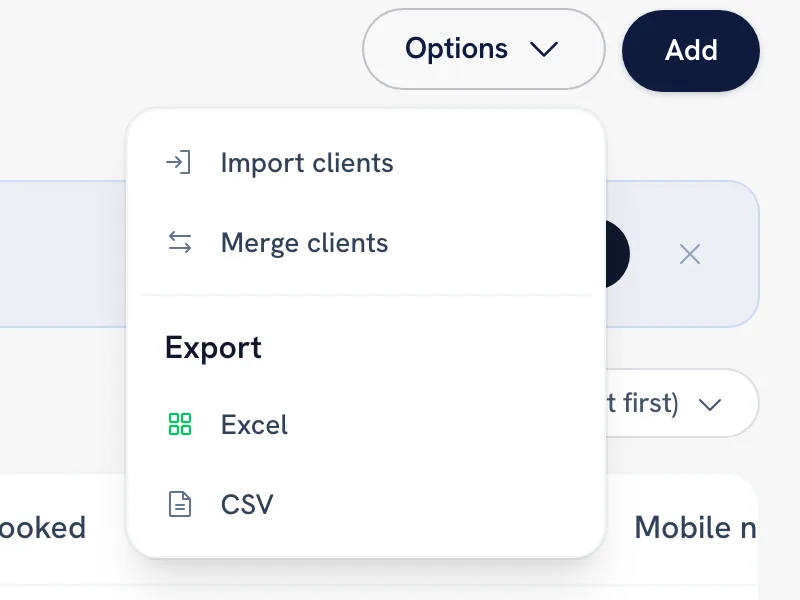
-
Pick the two records that are the same person.
-
Choose which one to keep.
-
Confirm. The appointments move to the client you keep, and the other record is deleted.
Tip: Two different registered accounts cannot be merged. WellFred only merges when at most one of the two is a signed-up account.
FAQ
Do I lose the history of the record I dropped?
No. Its appointments move across to the client you kept before the duplicate is deleted.
Recommended articles



Thanks for your feedback!
Was this guide helpful?