

Back
For professionals
Clients
Add or import clients
Add or import clients
You can add clients one at a time, or upload the list you already keep somewhere else.
-
Open Clients in the sidebar.
Go to Clients
-
Click Add to create a single client by hand.
-
To bring in many at once, open Options and choose Import clients.
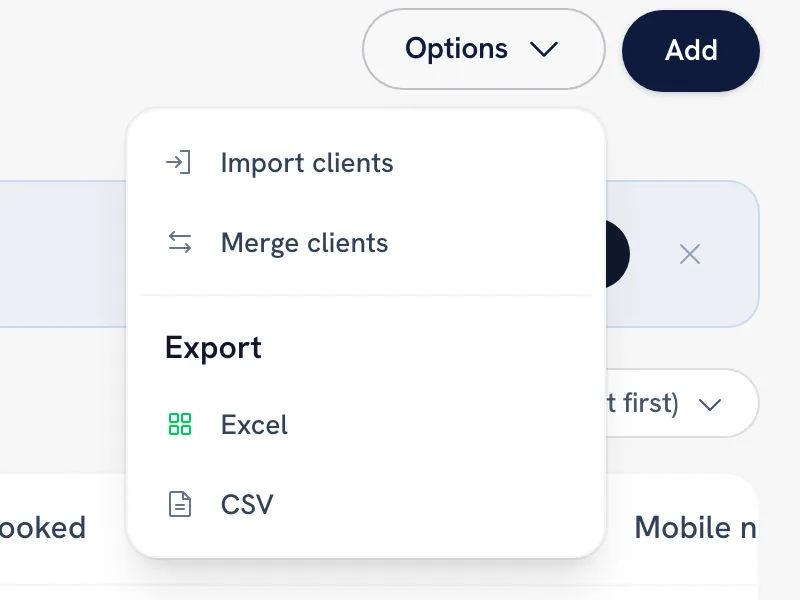
-
Upload a CSV with these columns: first name, last name, email, phone.
-
The first row must be the header. WellFred then tells you how many clients it created and how many rows it skipped.
Tip: Keep the header row. Without it the first person in your file is read as column names, and the import comes back empty.
FAQ
Why did my import come back empty?
The file had no header row, or nothing under it. WellFred always reads the first line as column names.
Do imported clients get an email from WellFred?
No. Importing builds your own records — it does not invite anybody or create accounts for them.
Recommended articles



Thanks for your feedback!
Was this guide helpful?