

Back
For professionals
Classes
Give a class its dates
Give a class its dates
Scheduling holds three things: how long one session runs, the pattern it repeats on, and the individual dates that pattern produced.
-
Open the class and go to Scheduling.
Go to Class menu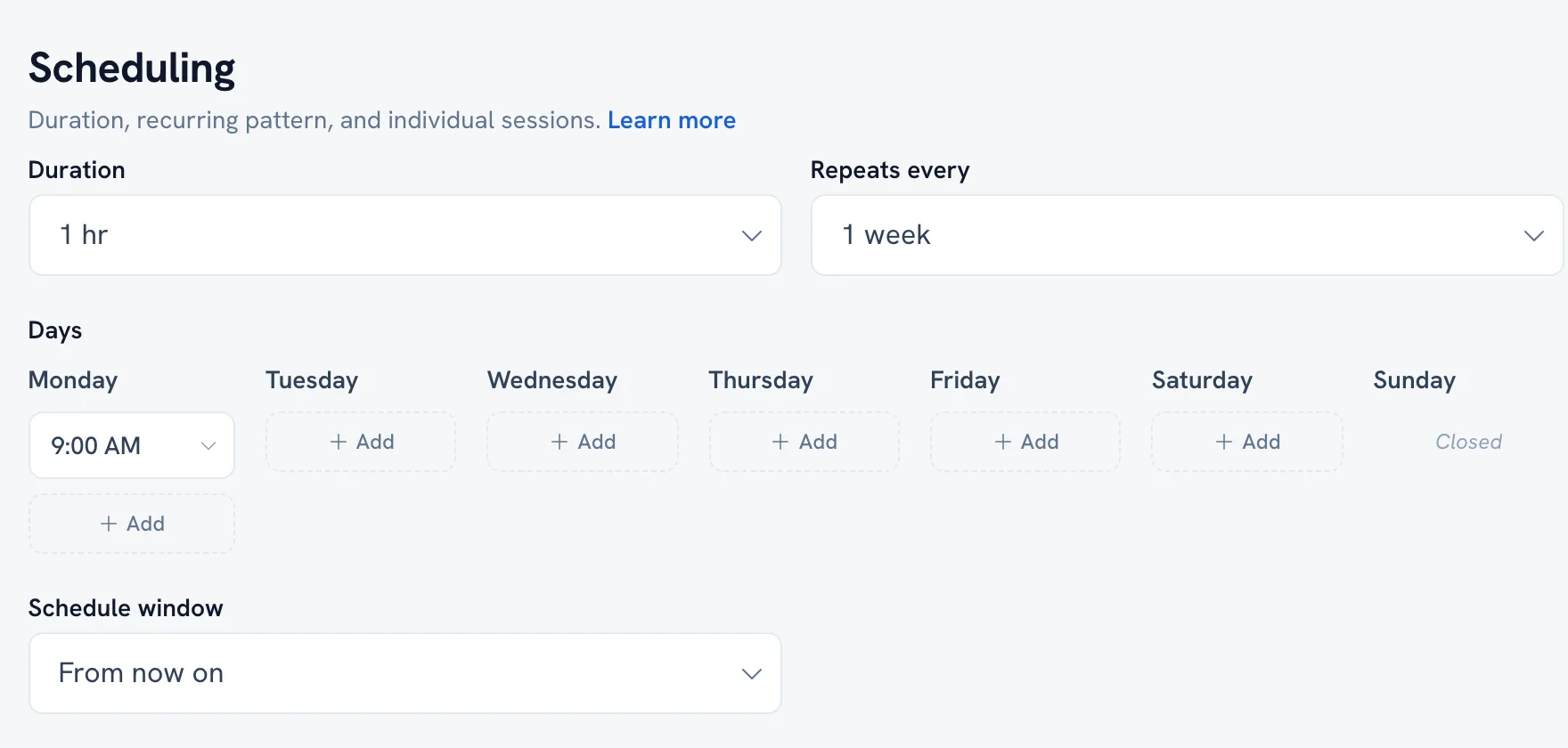
-
Set how long a single session lasts.
-
Choose the days it runs on — you need at least one day selected before a pattern can generate anything.
-
Generate the sessions, then read through the list of dates it produced.
-
Remove or edit any single session that does not actually run, a holiday for example.
Tip: Editing one session does not rewrite the pattern, and changing the pattern does not overwrite sessions you already edited by hand.
FAQ
Why is my class not showing on my profile?
Only sessions with dates are published. If the schedule generated nothing, there is nothing for clients to see.
Does the gap between bookings apply to classes?
Yes. Class sessions are checked against the same buffer as one-to-one bookings.
Recommended articles



Thanks for your feedback!
Was this guide helpful?