

Back
For professionals
Booking rules
Confirm bookings automatically
Confirm bookings automatically
By default a booking arrives as a request and waits for you. Turning on automatic confirmation accepts it the moment it is made, as long as the slot passes your booking rules.
-
Open Workspace settings, choose Scheduling, then Booking rules, and click Edit on Booking preferences.
Go to Booking rules -
Turn on Confirm bookings automatically.
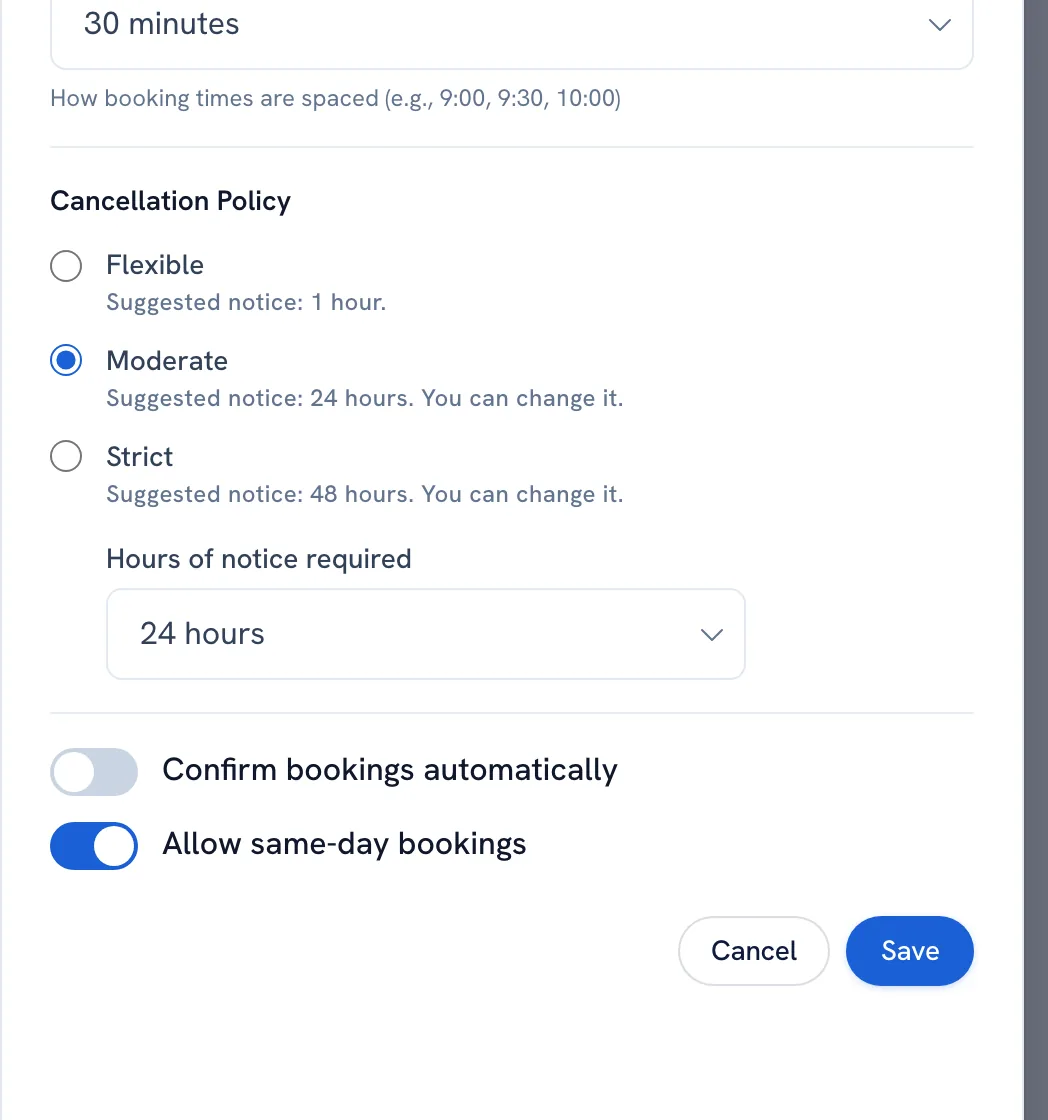
-
Save.
Tip: With this on, your Pending actions list only shows changes clients asked for — there are no incoming requests left to answer.
FAQ
Can I still decline a booking that was confirmed automatically?
Yes. It becomes a normal booking you can cancel, and the client is notified.
Recommended articles



Thanks for your feedback!
Was this guide helpful?