

Back
For professionals
Booking rules
Keep a gap between bookings
Keep a gap between bookings
A buffer is time WellFred keeps free around an appointment. It is why a slot right after a booking is not offered even though the calendar looks empty.
-
Open Workspace settings, choose Scheduling, then Booking rules, and click Edit on Booking preferences.
Go to Booking rules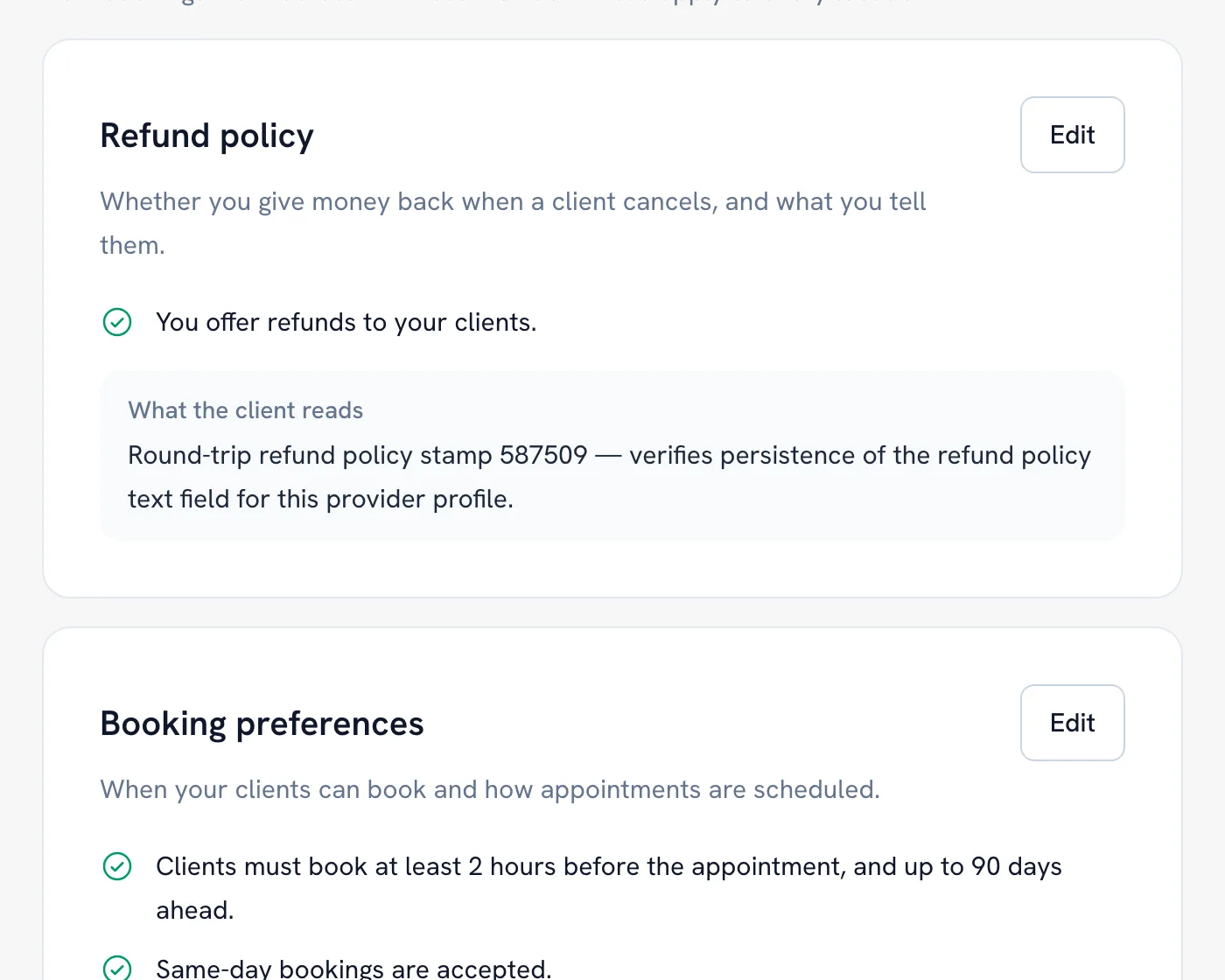
-
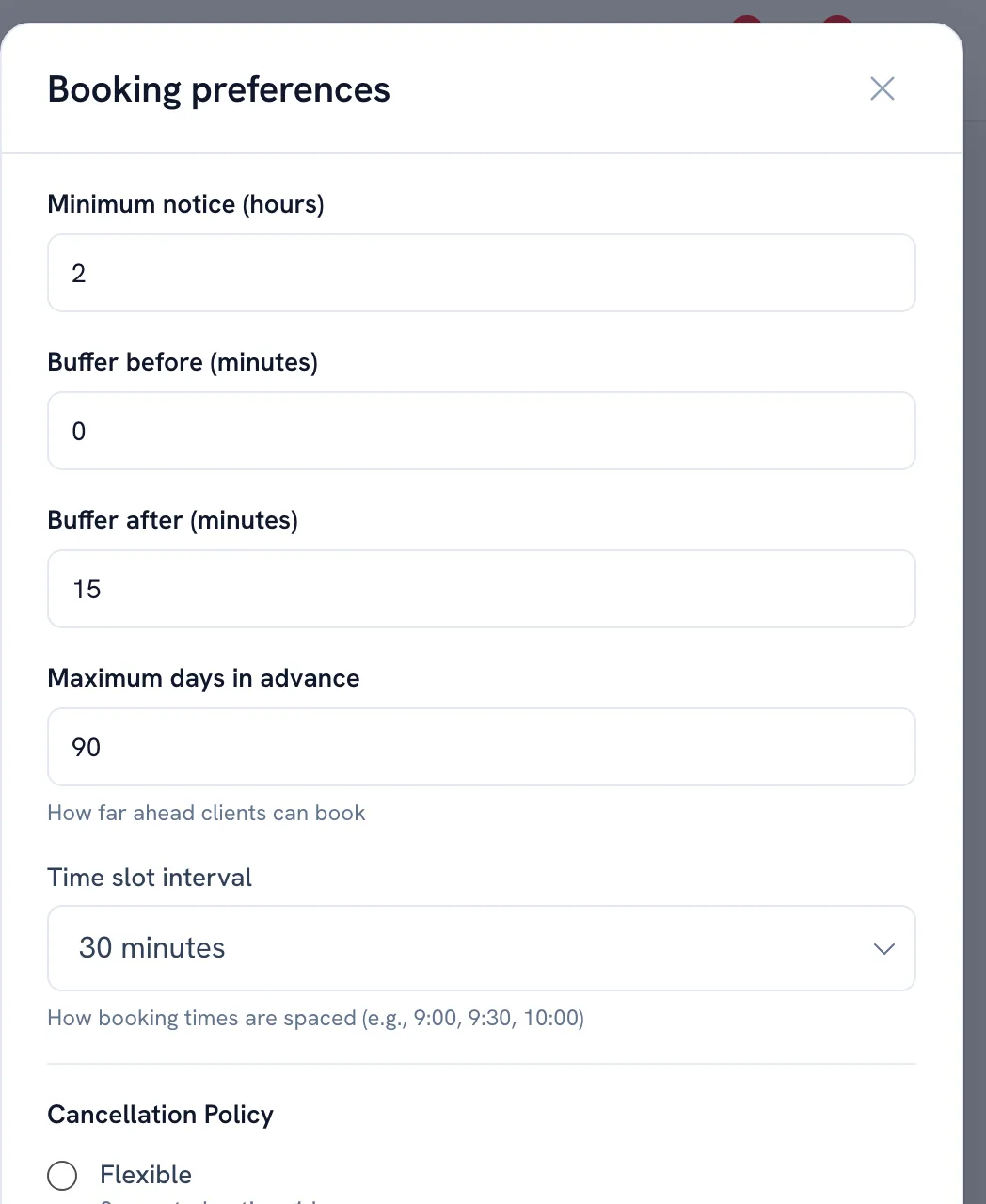
Set Buffer before (minutes) for the time you need to get ready.
-
Set Buffer after (minutes) for cleaning up, notes, or travel.
-
Save. The gap applies to every location and to classes as well as one-to-one bookings.
Tip: The gap is taken from the LARGER of the two bookings on either side, so setting it on both fields does not double it.
FAQ
Why can nobody book right after my last appointment?
The buffer after that appointment is still running. Lower Buffer after (minutes) in Booking rules if you want the next slot offered sooner.
Does the buffer apply to classes too?
Yes. Class sessions are checked against the same gap as one-to-one bookings.
Recommended articles



Thanks for your feedback!
Was this guide helpful?