

Back
For professionals
Account and security
Choose light or dark mode
Choose light or dark mode
The theme is saved to your account, so it follows you to any device you sign in on.
-
Open Personal settings and choose Appearance.
Go to Appearance -
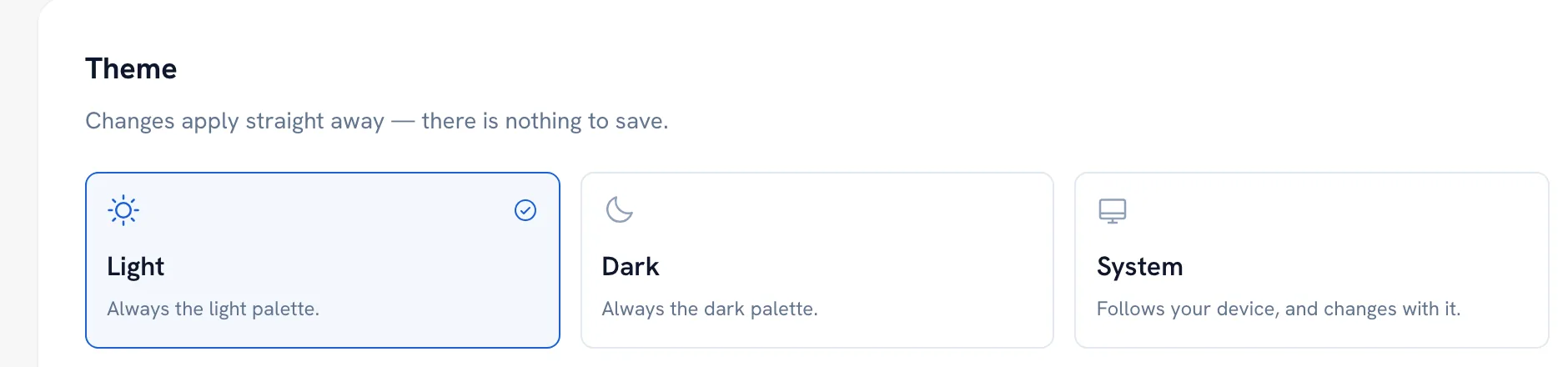
Pick Light, Dark, or System to follow your device. It changes right away; there is nothing to save.
Recommended articles



Thanks for your feedback!
Was this guide helpful?