

Back
For professionals
Account and security
Change your password
Change your password
You need your current password to set a new one.
-
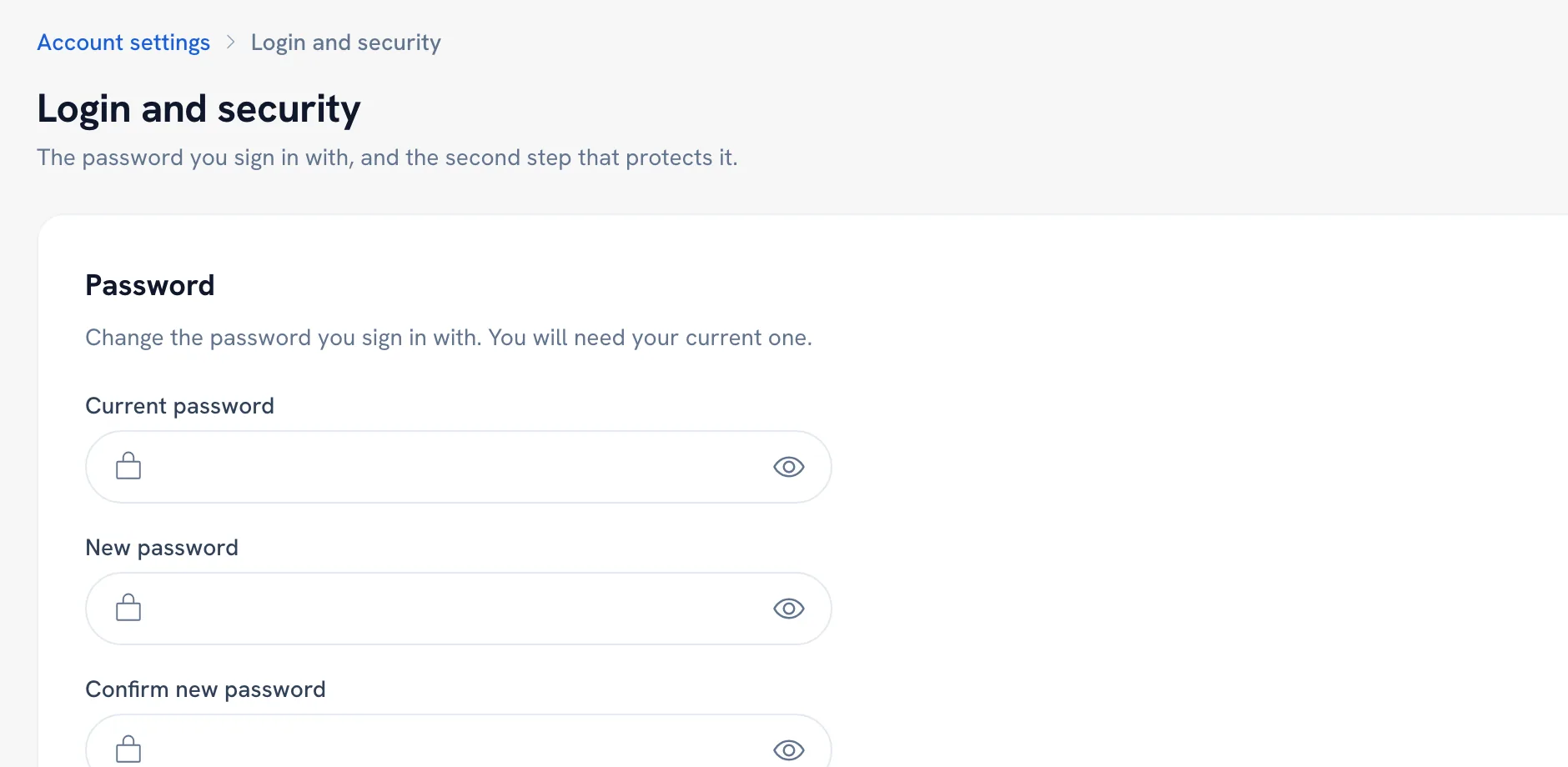
Open Personal settings and choose Login and security. WellFred asks for your password once more before showing it.
Go to Login and security -
Fill in Current password, New password and Confirm new password.
-
Click Update password.
Recommended articles



Thanks for your feedback!
Was this guide helpful?