

Back
For professionals
Account and security
Update your personal info
Update your personal info
These are the details that belong to you as a person, not to the business you run.
-
Open your avatar menu and choose Personal settings, then Personal info.
Go to Personal info -
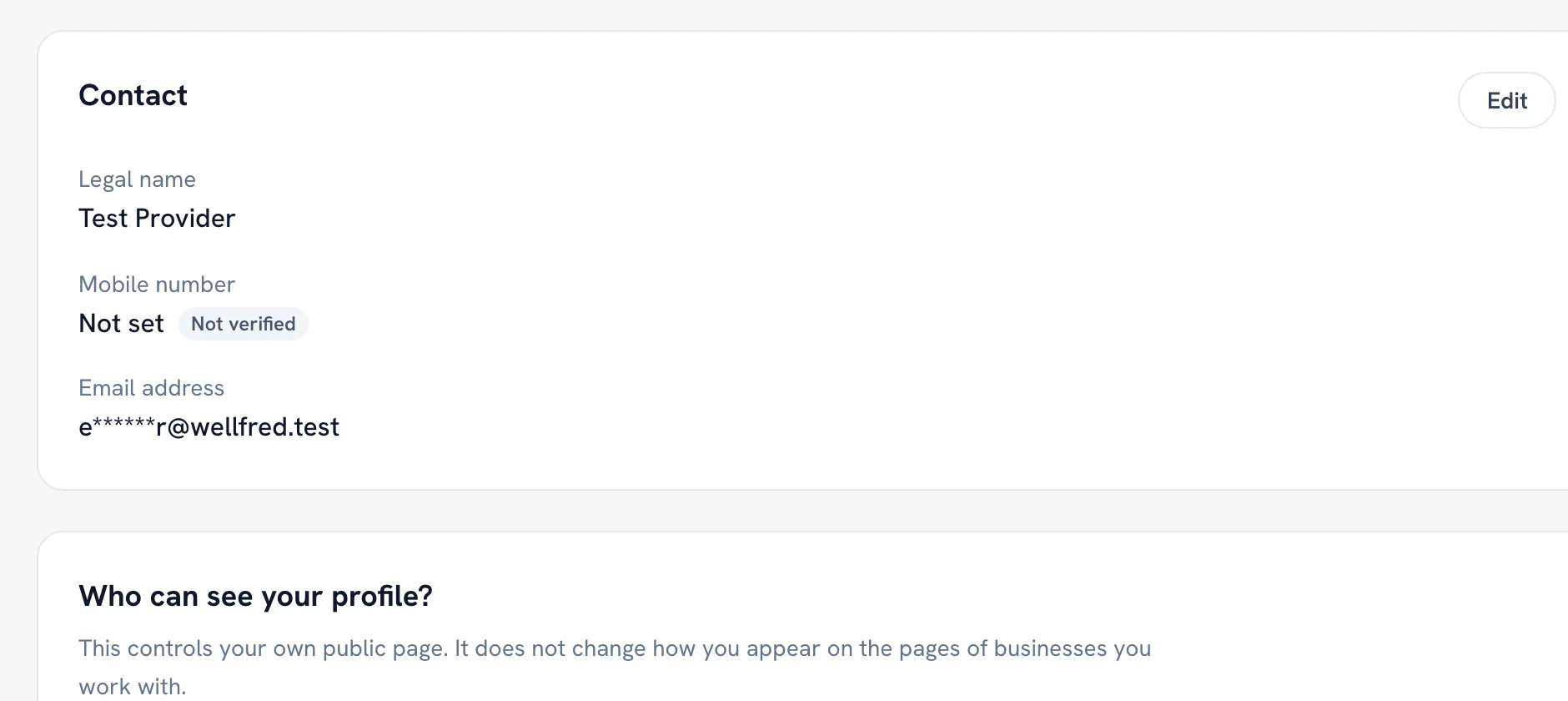
Click Edit on Contact to change your name, mobile number or email.
-
Under Who can see your profile?, choose Private, Link only or Public, then click Save.
Tip: That choice is about your own public page. It does not change how you appear on the pages of the businesses you work with.
Recommended articles



Thanks for your feedback!
Was this guide helpful?