

Back
For customers
Account and security
Turn on two-step verification
Turn on two-step verification
With two-step verification, someone who only knows your password cannot sign in. It lives on Login and security, which the customer menu does not list yet; the link in the first step opens it.
-
Open Login and security. WellFred asks for your password once more before showing it.
Go to Login and security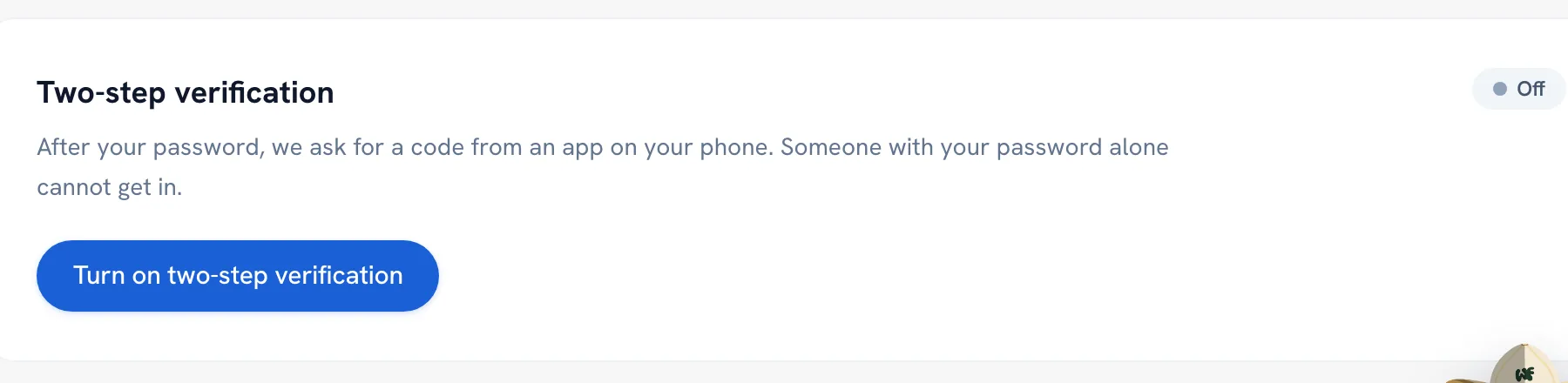
-
Tap Turn on two-step verification and scan the code with an authenticator app — Google Authenticator, 1Password or Authy all work — or type in the key shown under it.
-
Enter the Six-digit code the app shows and tap Confirm and turn on.
Tip: It is not active until you confirm a code. If you leave the page before that, nothing changes.
Recommended articles


Thanks for your feedback!
Was this guide helpful?