

Back
For customers
Account and security
Edit your profile
Edit your profile
Keep your name, contact details, and photo up to date.
-
Go to Profile and tap Edit.
Edit your profile -
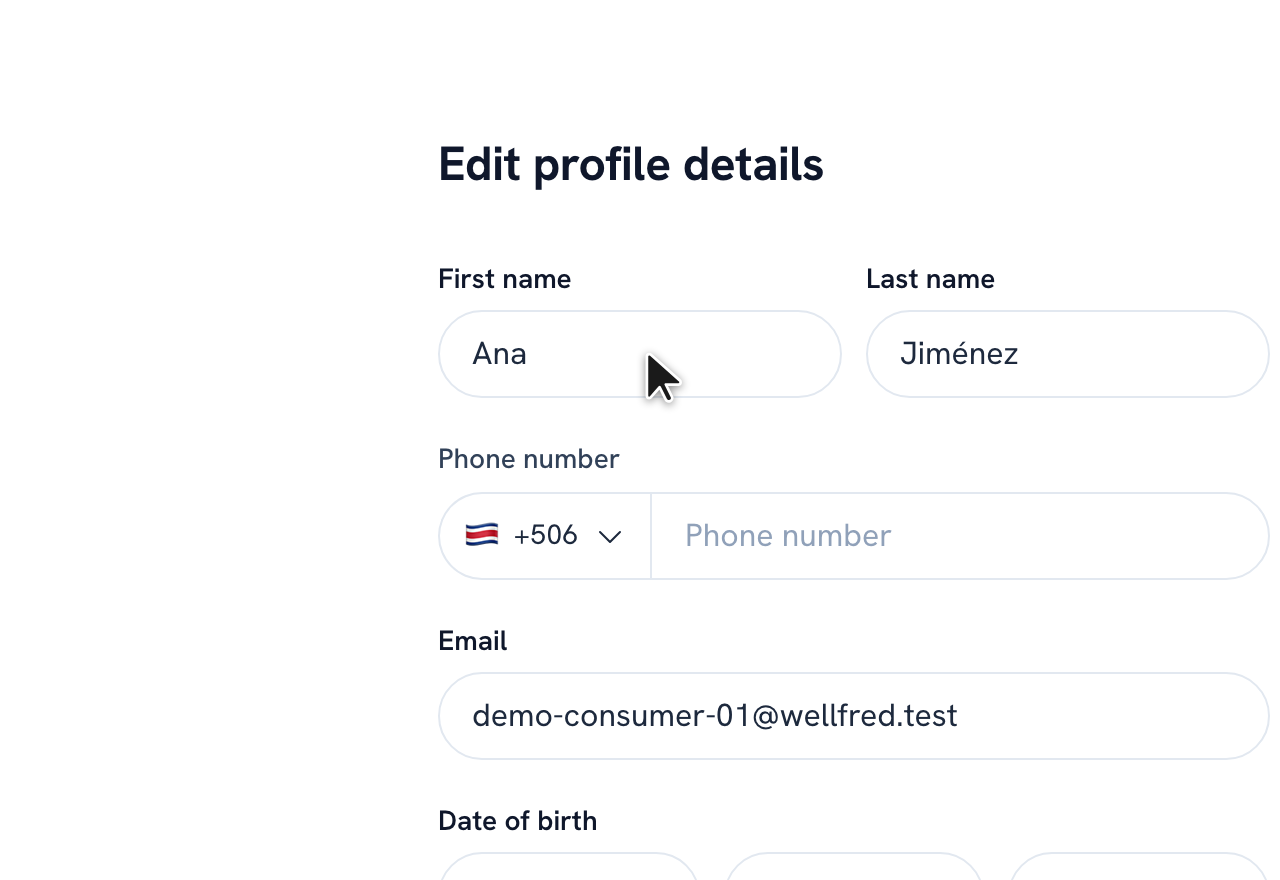
Update your name, phone, email, date of birth, or photo.
-
Tap Save.
Tip: You can change your password from the same screen, in the Change password section.
Recommended articles


Thanks for your feedback!
Was this guide helpful?