

Book a service
Found a service you like? Book it in a few guided steps. Your request goes to the provider, who confirms availability before it's locked in. The steps are the same on your phone or a computer.
-
On the provider's page, tap Request Booking to open the booking steps.

-
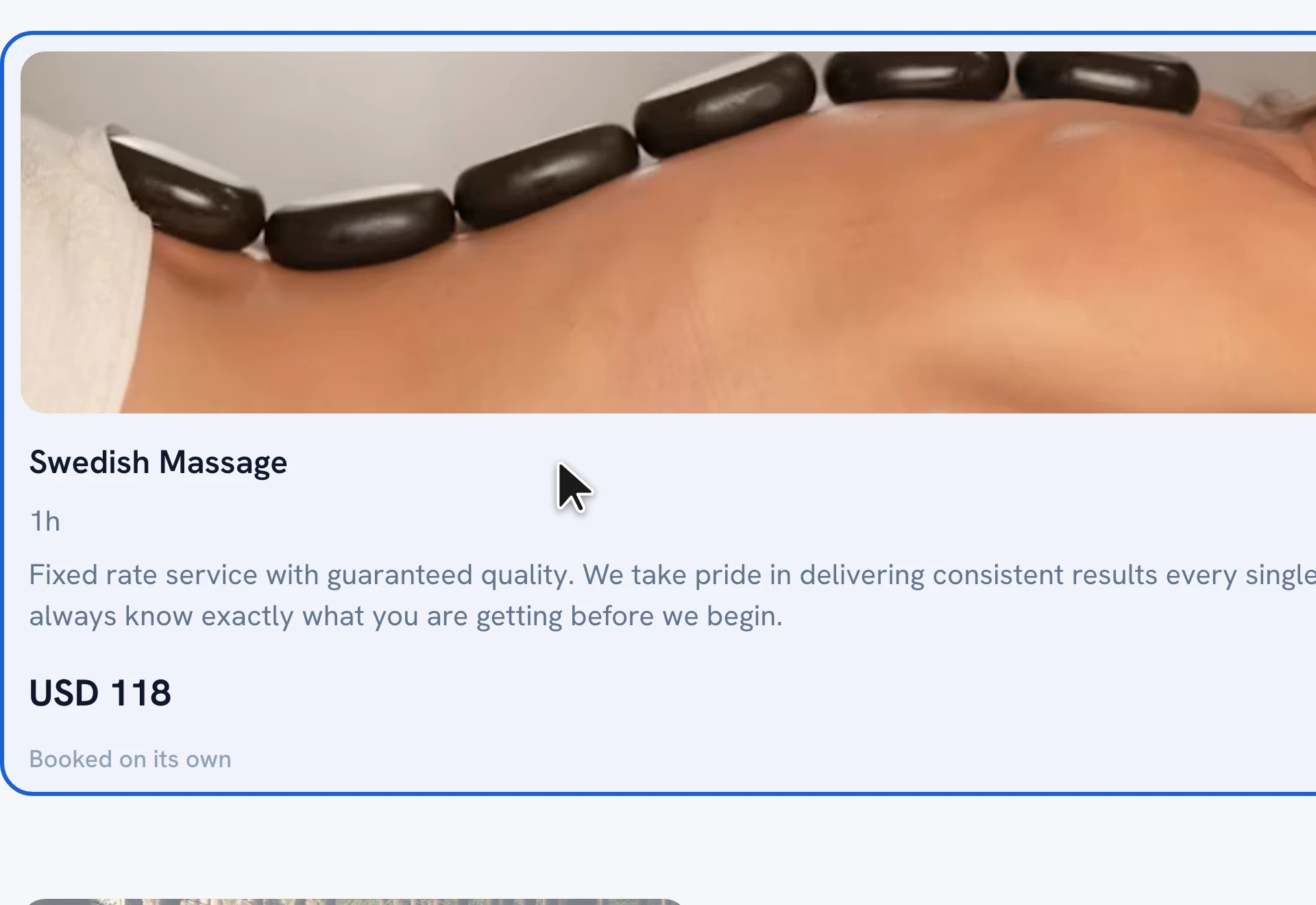
Tap a service card to select it. You can add another service to the same visit, or use "Add for another person" to book the same service for someone with you. Then tap Continue.
-
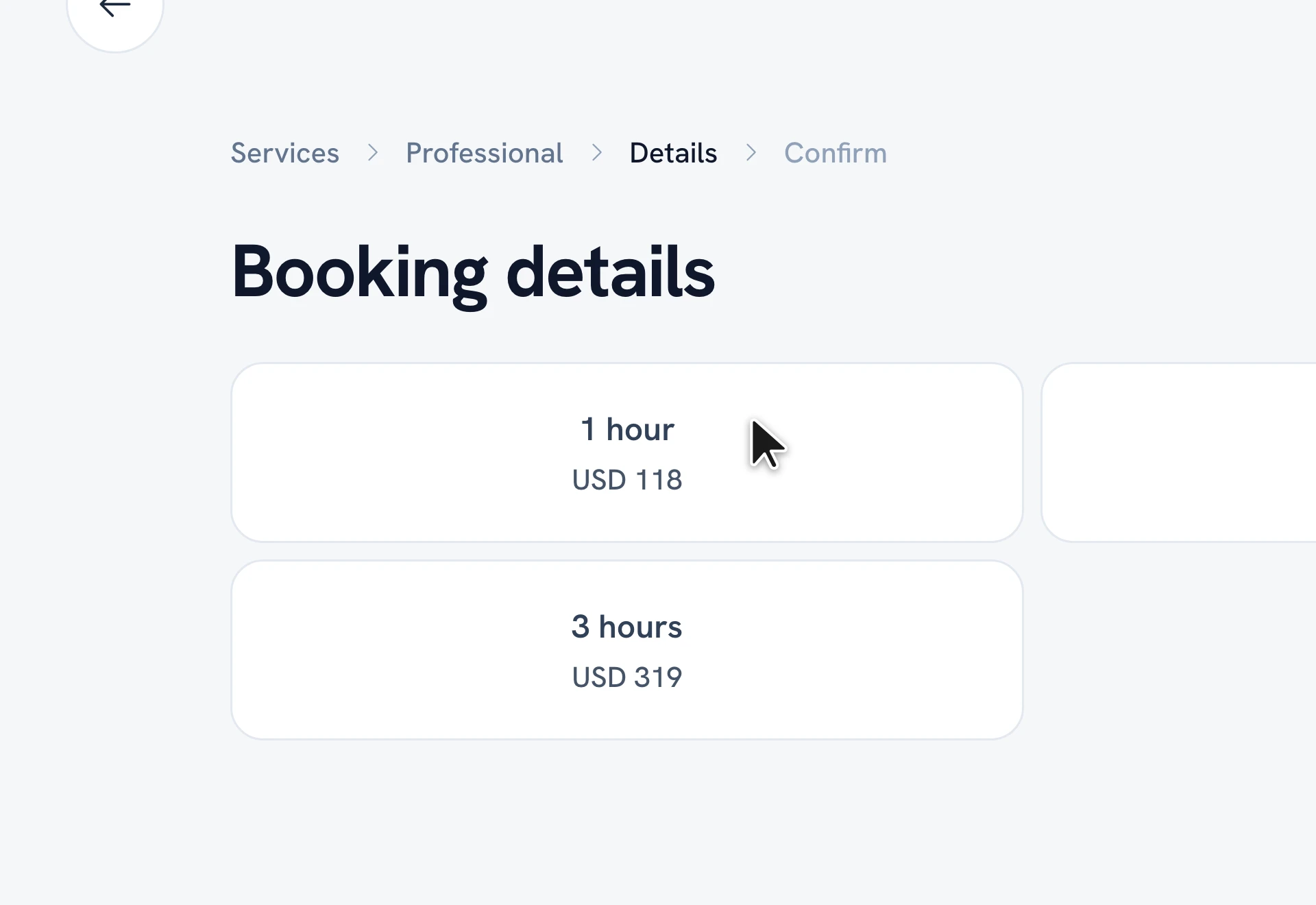
On Booking details, choose your options — the duration and price, where the service happens, and any extras — then tap Continue.
-
On Select date & time, pick a day and an available time slot, then tap Continue.
-
Review everything, add any Comments or requests, and tap Confirm to send your request.
Tip: Your request is sent to the provider to accept — you'll get a notification the moment they confirm. Booking for more people? Use "Add for another person" on the service step.
FAQ
Do I pay when I book?
Can I book for more than one person?
How do I know my booking is confirmed?
Recommended articles

Thanks for your feedback!
Was this guide helpful?