

Back
For customers
Account and security
Set or change your password
Set or change your password
Set a password, or update the one you have, to keep your account secure.
-
Go to Profile, tap Edit, and open the Change password section.
Edit your profile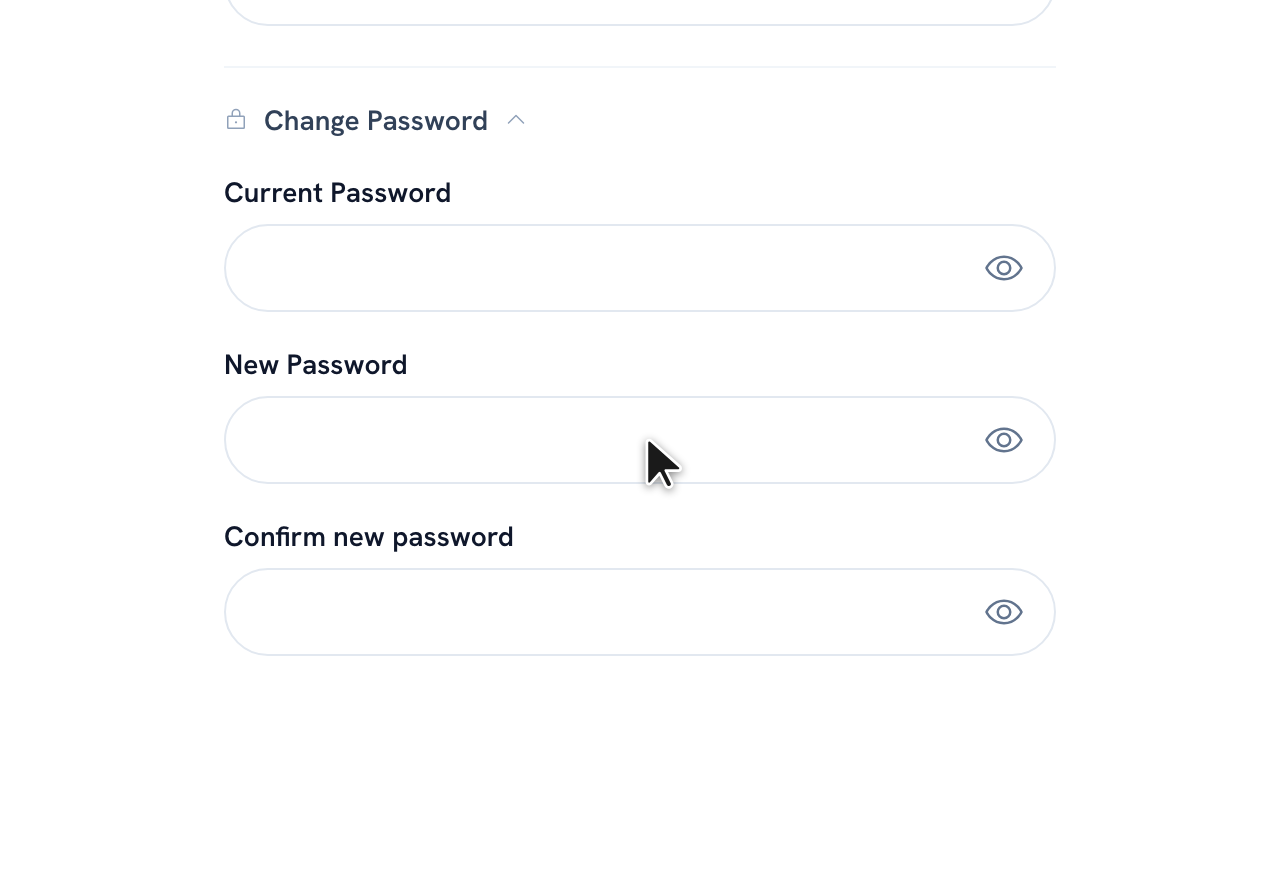
-
Enter your new password and confirm it.
-
Tap Save.
Tip: Signed up with WhatsApp and have no password yet? You can set one from Set up your password in your account.
Recommended articles


Thanks for your feedback!
Was this guide helpful?