

What happens after you request
A booking request moves from a new request to Scheduled as the provider responds. Here is how it works and where to track it.
-
After you send a request, open it from your Bookings page. Until the provider responds it shows a Created status, and a quote-required service reads Awaiting quote.
Go to your bookings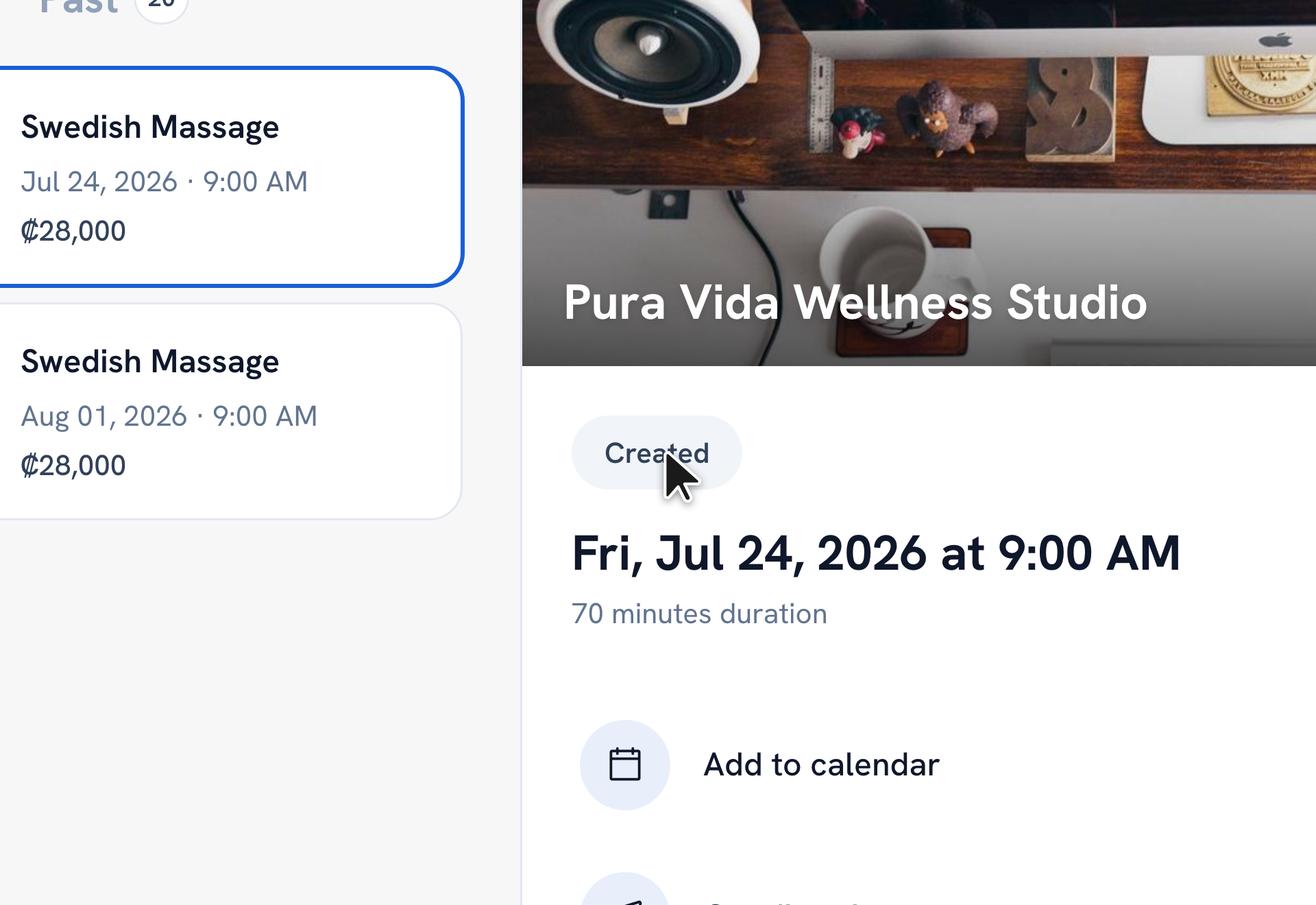
-
If the service needs a price, the provider sends a quote. Open the booking and tap Accept quote to confirm it, or Decline.
-
Once the provider confirms a date and time, the booking becomes Scheduled and moves to your Upcoming list.
-
After the service happens it shows as Completed. A request the provider turns down shows as Rejected.
Tip: Status badges you'll see: Created or Pending (waiting on the provider), Quote Sent (a price to accept), Scheduled or Confirmed (locked in), Completed, Rejected, and Cancelled.
Recommended articles


Thanks for your feedback!
Was this guide helpful?