

Back
For customers
Managing your bookings
Reschedule a booking or report an issue
Reschedule a booking or report an issue
Need to change the time, or did something go wrong? You can propose a new time or report an issue from the booking.
-
Open the booking from your Bookings list. To move it, tap Reschedule.
Go to your bookings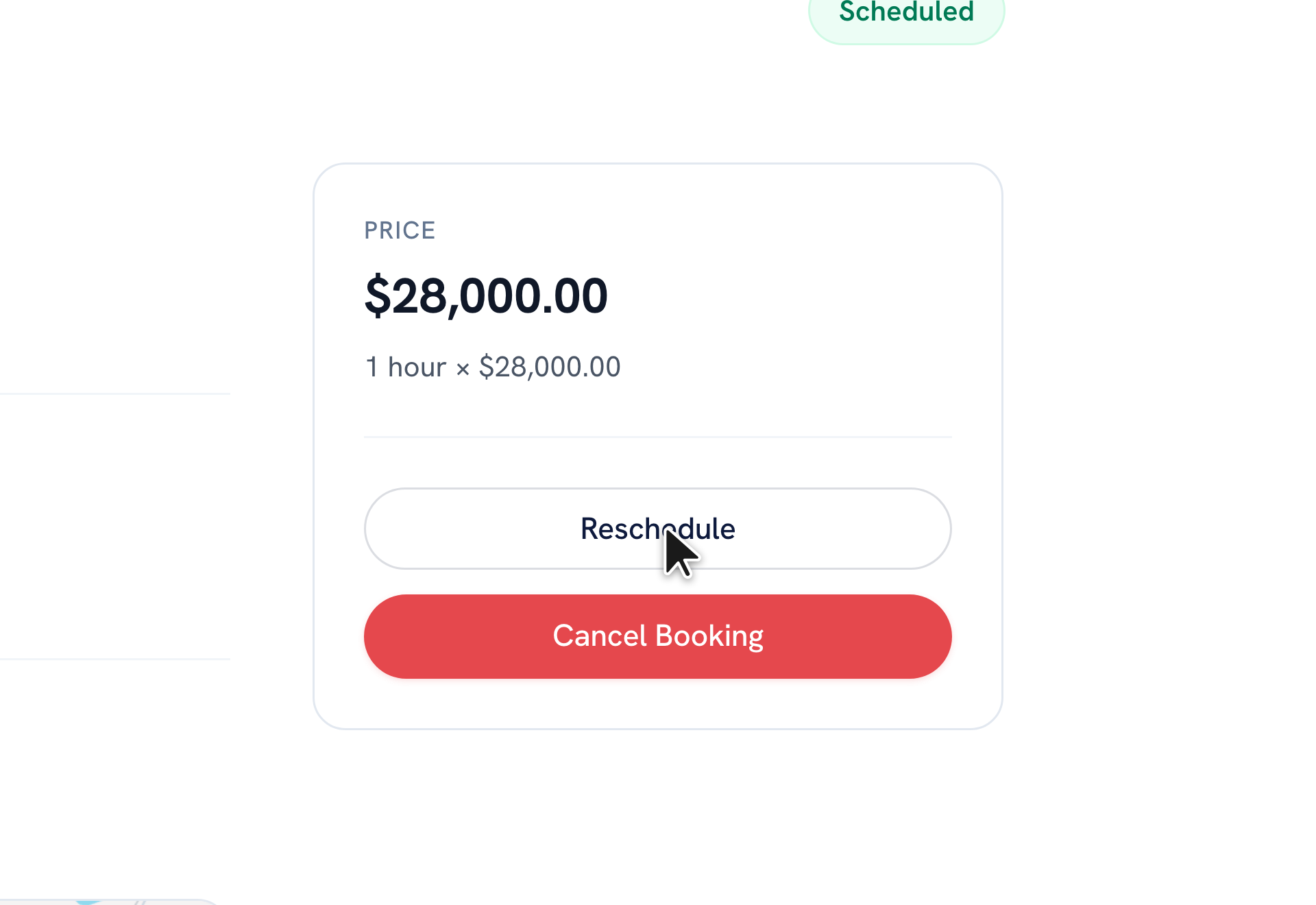
-
Pick a new date and time, then tap Propose New Time. The provider confirms it before it changes.
-
If the provider suggests a new time instead, you'll see a New time proposed card — tap Accept new time or Decline.
-
After a booking has ended, open it and tap Report an Issue to tell our team what happened.
Tip: Reschedule only proposes a new time — it's confirmed once the provider accepts. Report an Issue appears after the booking's end time.
Recommended articles


Thanks for your feedback!
Was this guide helpful?