

Back
For customers
Managing your bookings
View your bookings
View your bookings
All your bookings live in one place, split into Services, Classes, and Events.
-
Open Bookings from the menu.
Go to your bookings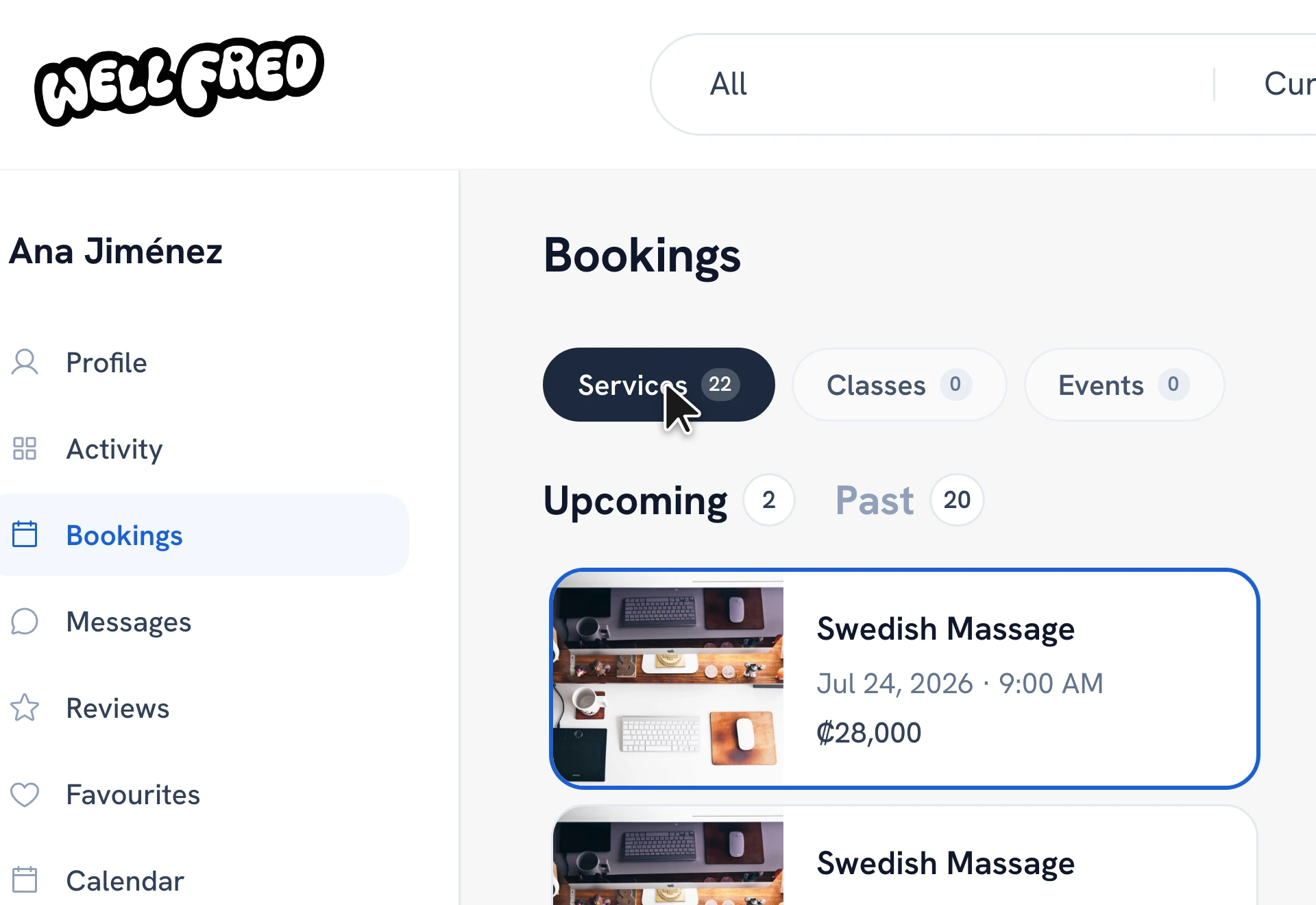
-
Switch between the Services, Classes, and Events tabs, and between Upcoming and Past.
-
Tap any booking to open its details.
Tip: The details page is where you cancel, reschedule, report an issue, or message the provider.
Recommended articles


Thanks for your feedback!
Was this guide helpful?