

Create and sell a package
Packages cover classes. A client pays once for a number of sessions, and each booking spends one credit until the package runs out or expires.
-
Open Catalog in the sidebar and choose Packages.
Go to Packages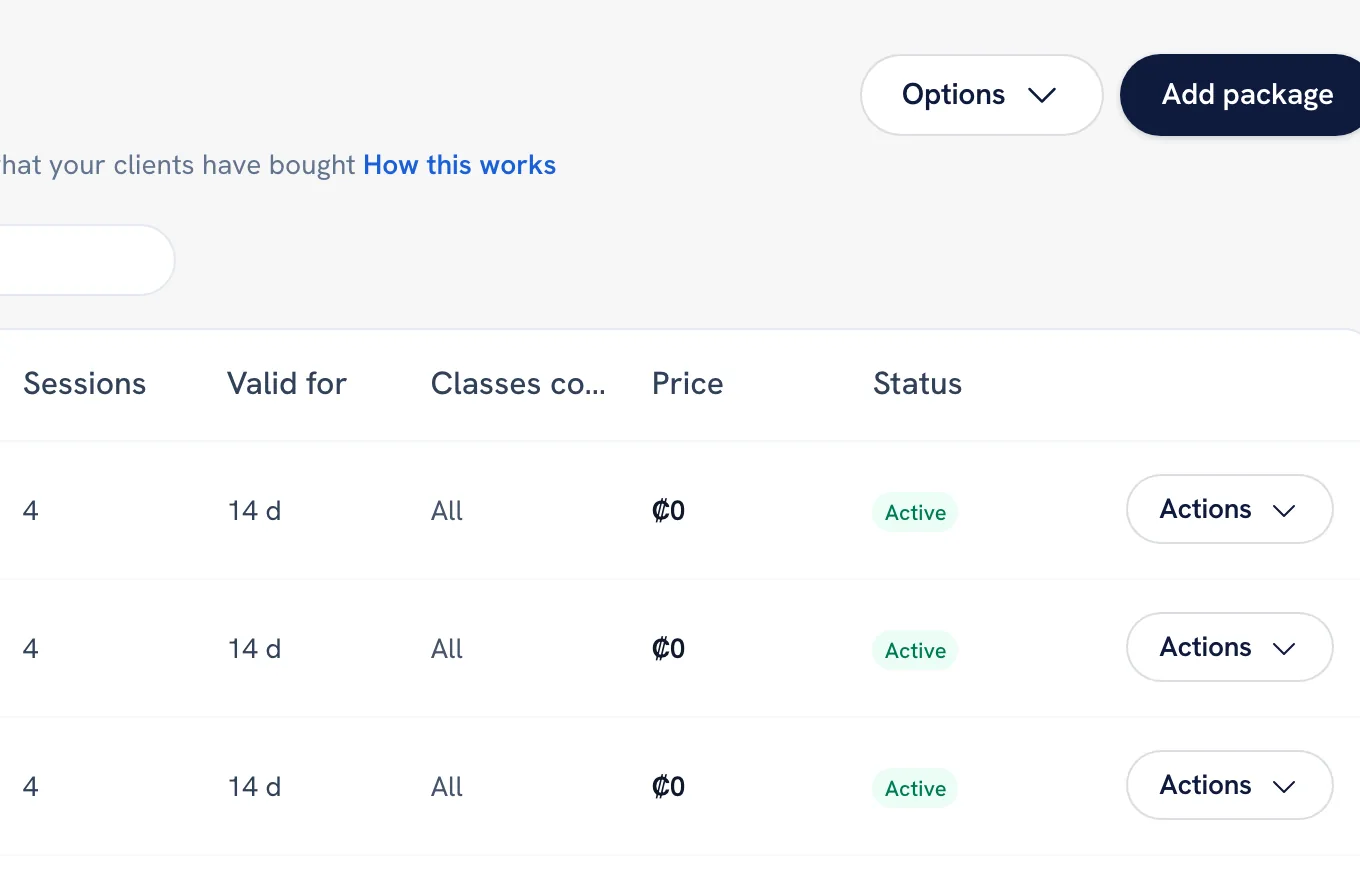
-
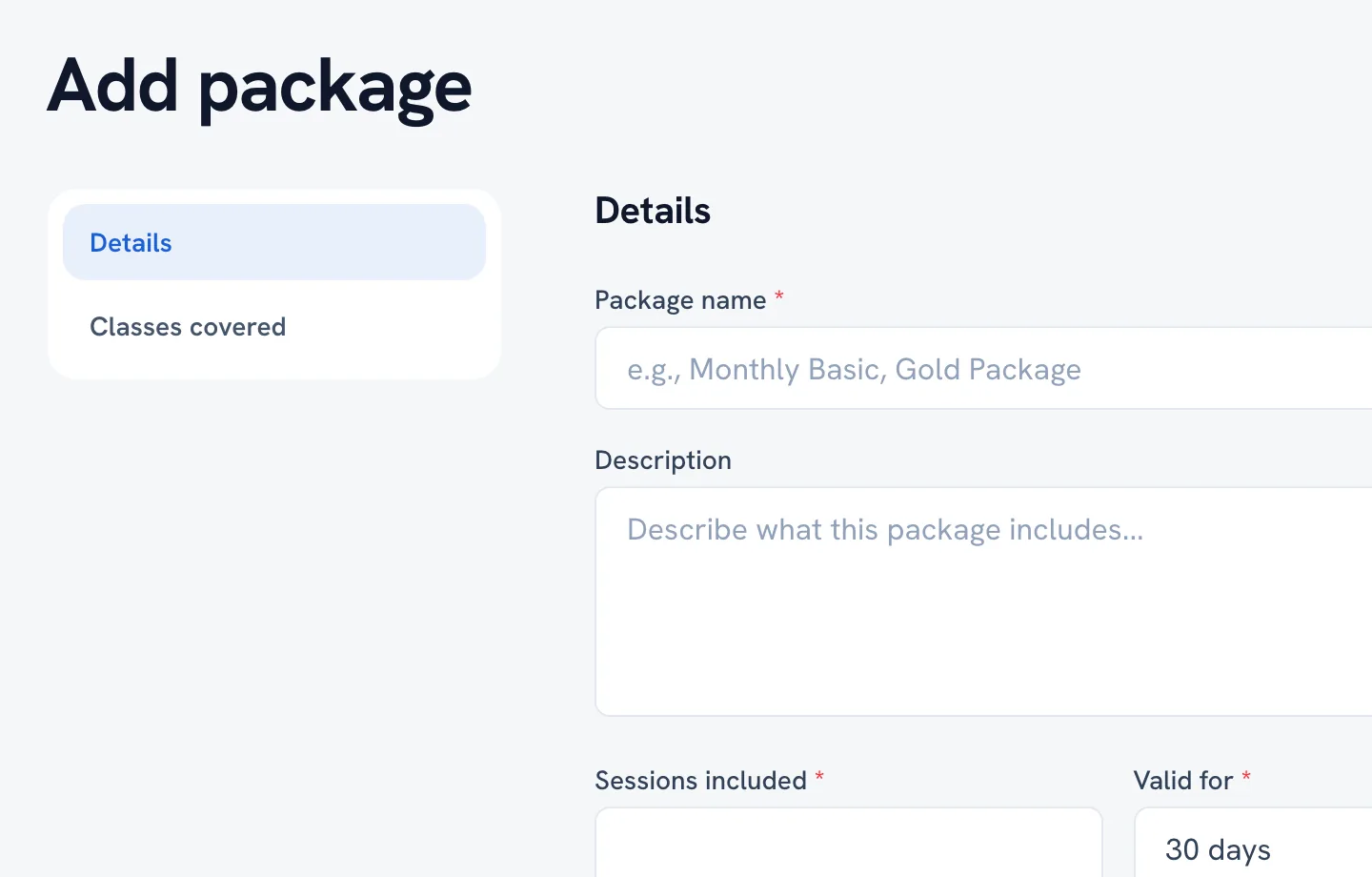
Click Add package. Give it a name, the number of sessions it includes, how many days it stays valid after purchase, and the price.
-
Choose which classes it covers. Leave it on all classes to let the credits work anywhere, or pick specific ones to keep the package to a single programme.
-
Save. The package now appears in your list and can be sold.
-
To give one to a client, click Sell to client, pick the person and the package, and record how they paid.
-
If you marked it as awaiting payment, confirm the payment from the client packages list once the money arrives. Credits only count down on an active package.
Tip: Validity runs from the purchase date, not from the first class. A 30-day package bought today expires in 30 days whether or not it was used.
FAQ
Do packages work for services, or only classes?
Is a package a monthly subscription?
What happens to unused sessions when a package expires?
Can I cancel a package after selling it?
Recommended articles



Thanks for your feedback!
Was this guide helpful?