

Close out a booking that already happened
A booking whose time has passed is still open until you say what happened. Those rows read "Finished, still open" and stay in Pending actions until you close them.
-
Open Bookings and look for the rows marked Finished, still open.
Go to Bookings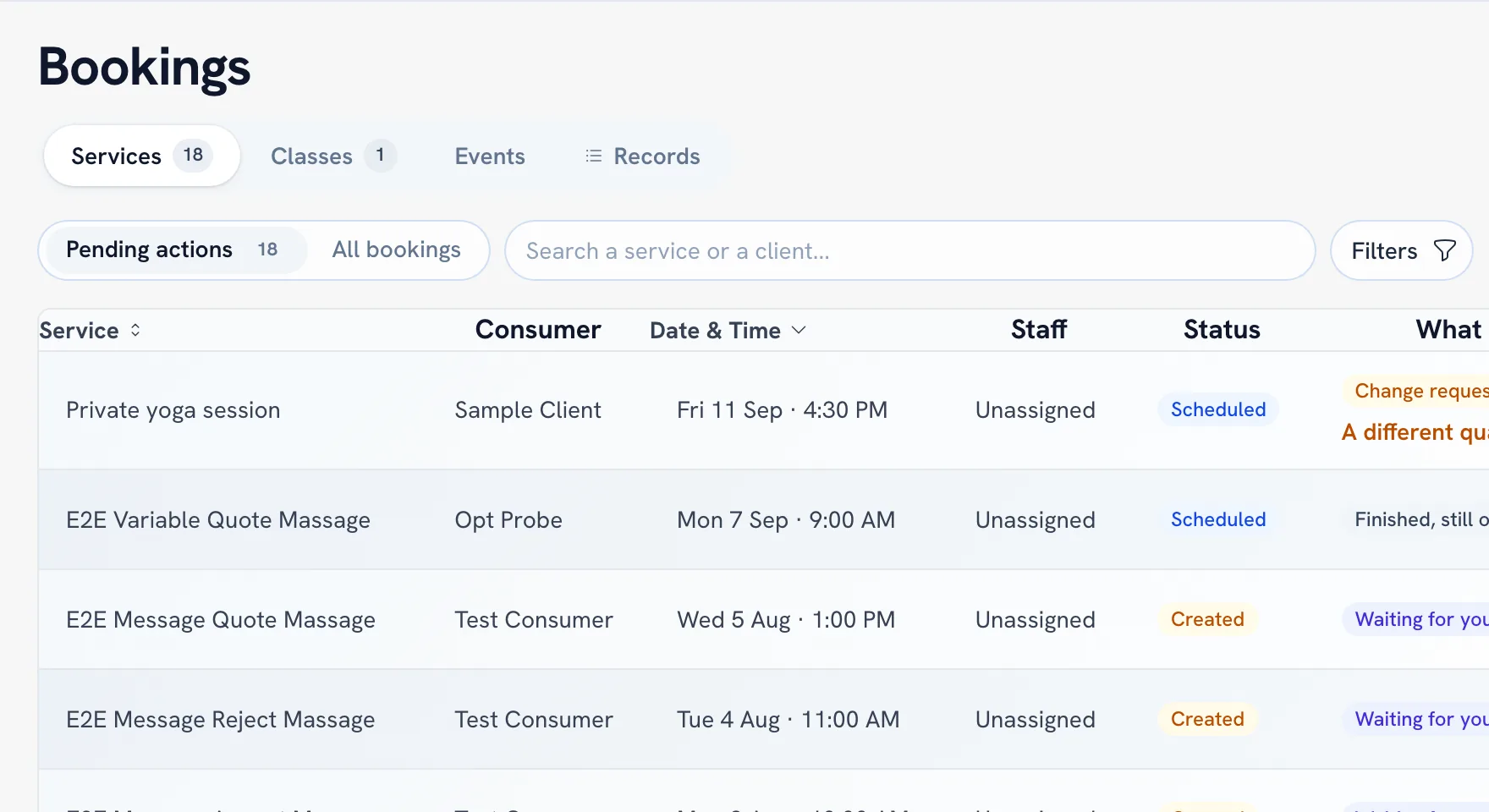
-
Choose Complete if the service went ahead.
-
Choose Complete with PIN if you want the client to confirm it on the spot — ask them for their 4-digit completion PIN. Completing without the code auto-confirms unless the client disputes it.
-
Choose Client No-Show if they never arrived.
Tip: Closing out is not paperwork for its own sake: an open booking keeps sitting in Pending actions, so the list stops being a reliable "what needs me" once you skip a few.
FAQ
What is the completion PIN?
My client never showed up — what do I do?
The service never happened at all — is that a no-show?
Recommended articles



Thanks for your feedback!
Was this guide helpful?