

Back
For customers
Notifications
Read your notifications
Read your notifications
The bell shows how many notifications you have not read. Each one links to the booking or page it is about.
-
Tap the bell at the top of the screen.
Go to Notifications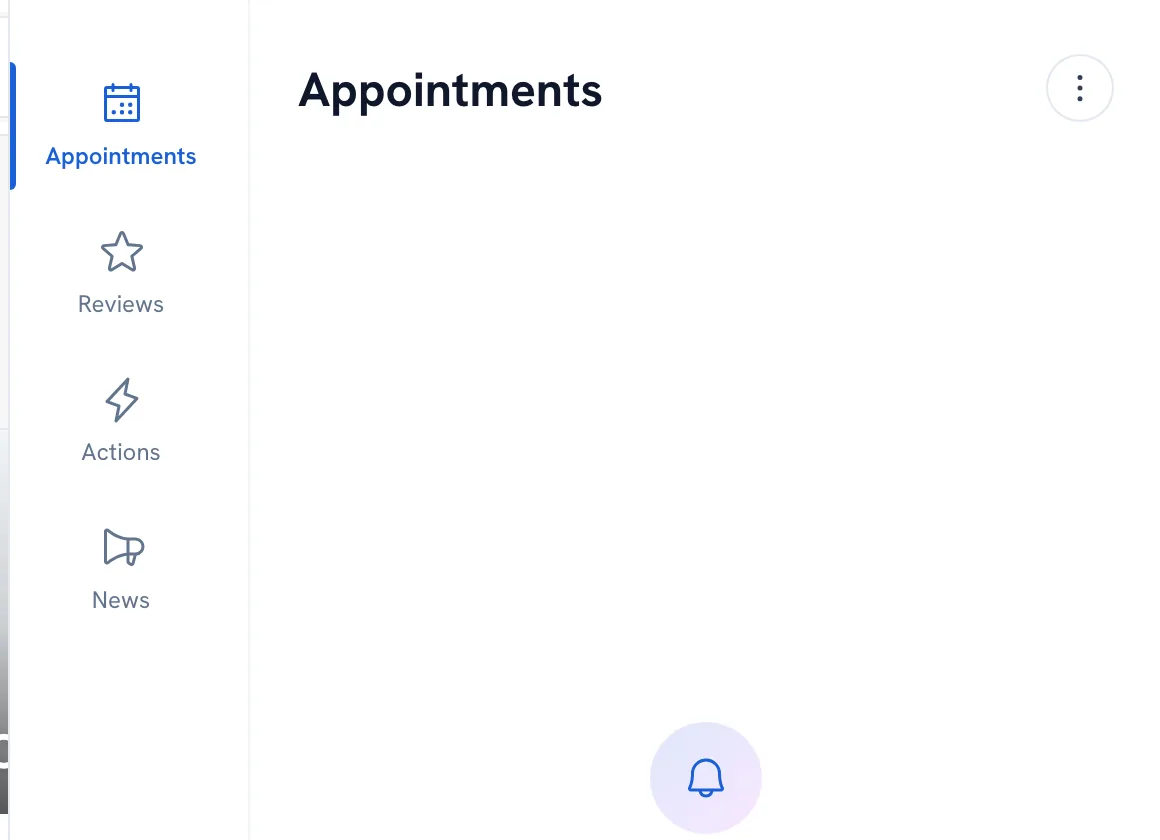
-
Switch between Appointments, Reviews, Actions and News to see one kind at a time, and tap one to open what it is about.
-
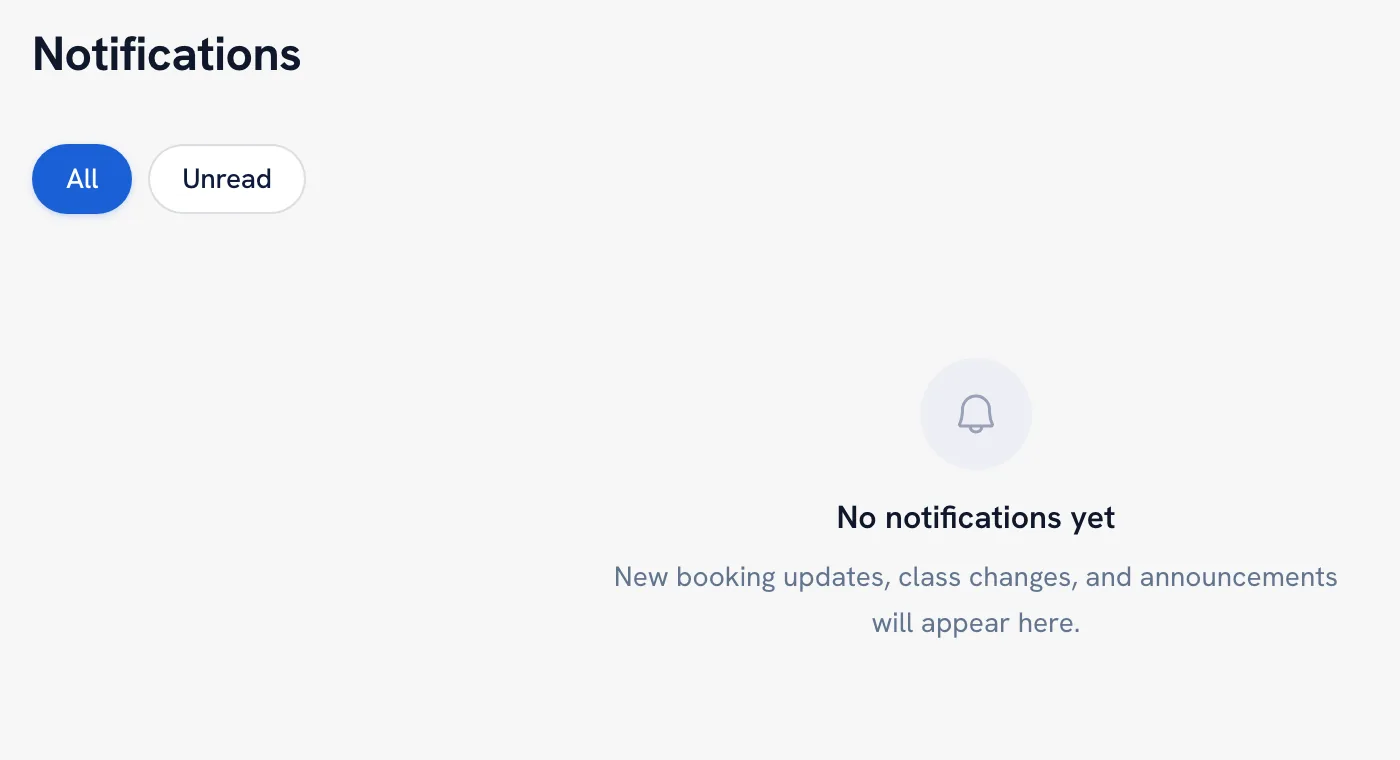
For the full list, open Notifications from your account menu and filter by All or Unread. Mark all as read clears the count.
Recommended articles


Thanks for your feedback!
Was this guide helpful?