

Book an event
Events are booked a little differently from services — you choose tickets and, if the event repeats, a date.
-
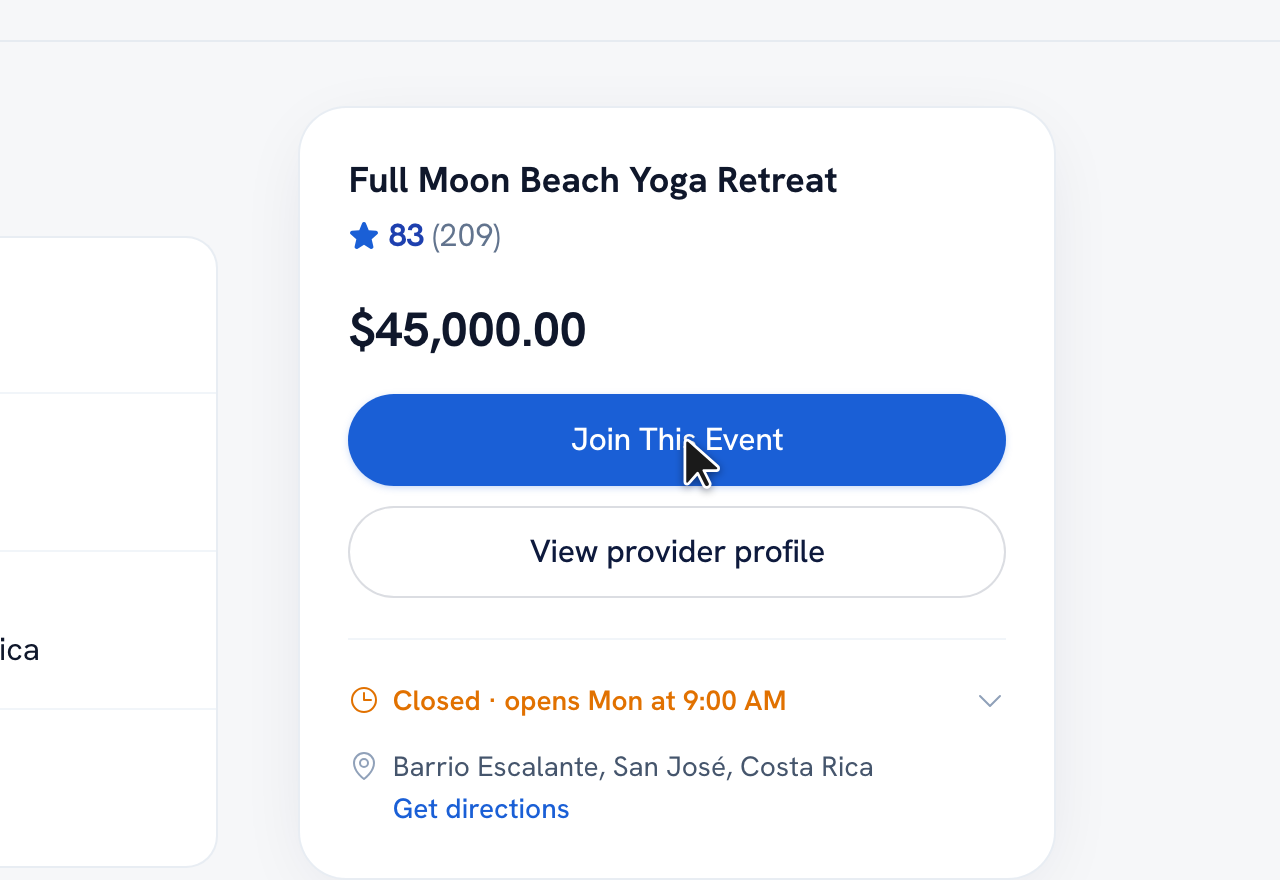
On an event page, tap the booking button — Book, or Join this event for a free event — to open the booking steps.
-
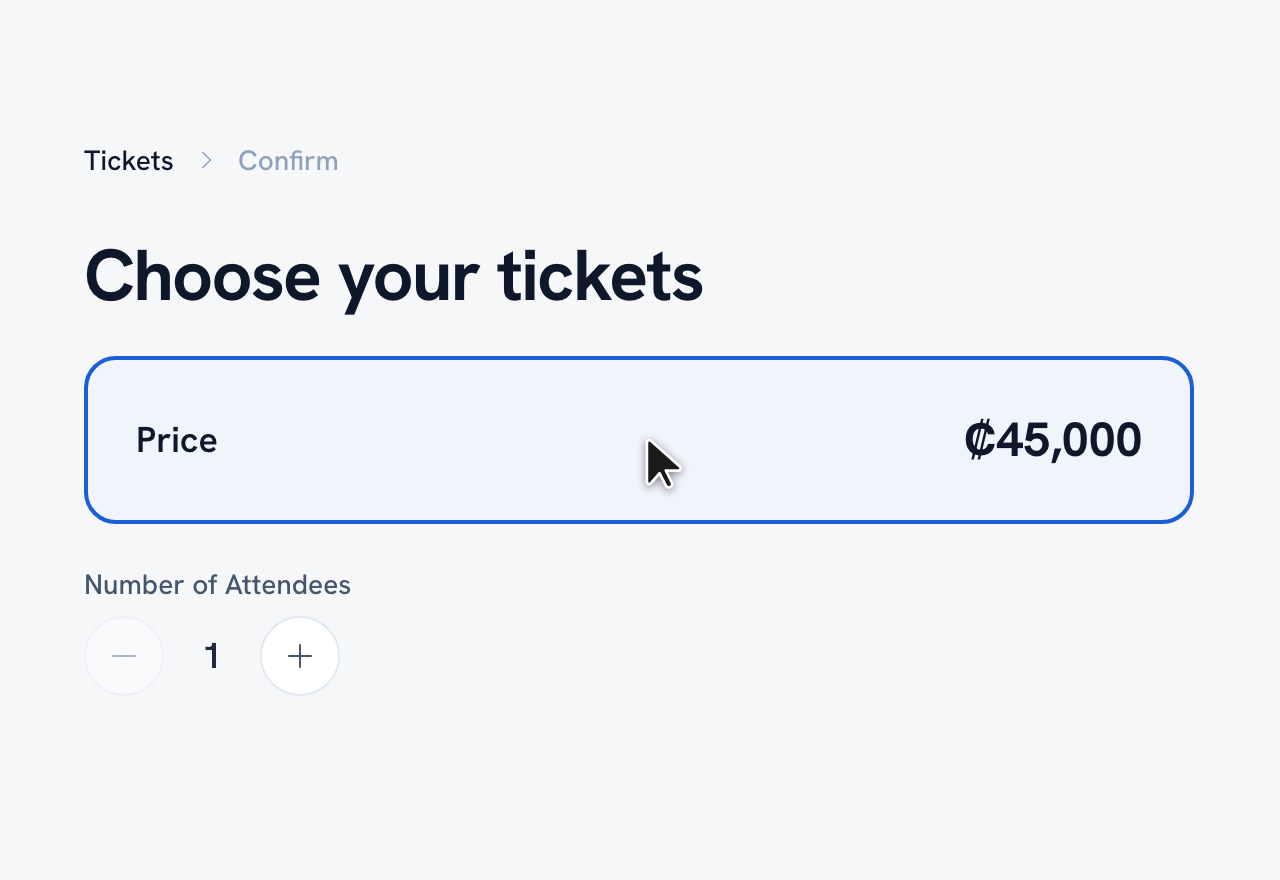
Choose your tickets — pick a ticket type and how many guests are coming, and add each attendee's name if there's more than one. Then tap Continue.
-
If the event runs on more than one date, pick the session that works for you. Single-date events show the fixed date automatically.
-
Review the details, add any comments, and tap Confirm to send your booking request.
Tip: The event page shows how many spots are left. You only pick a date when the event repeats — one-off events are already set.
Recommended articles


Thanks for your feedback!
Was this guide helpful?