

Back
For customers
Booking
Book a class
Book a class
Group classes work a little differently — you pick a session and say how many people are coming.
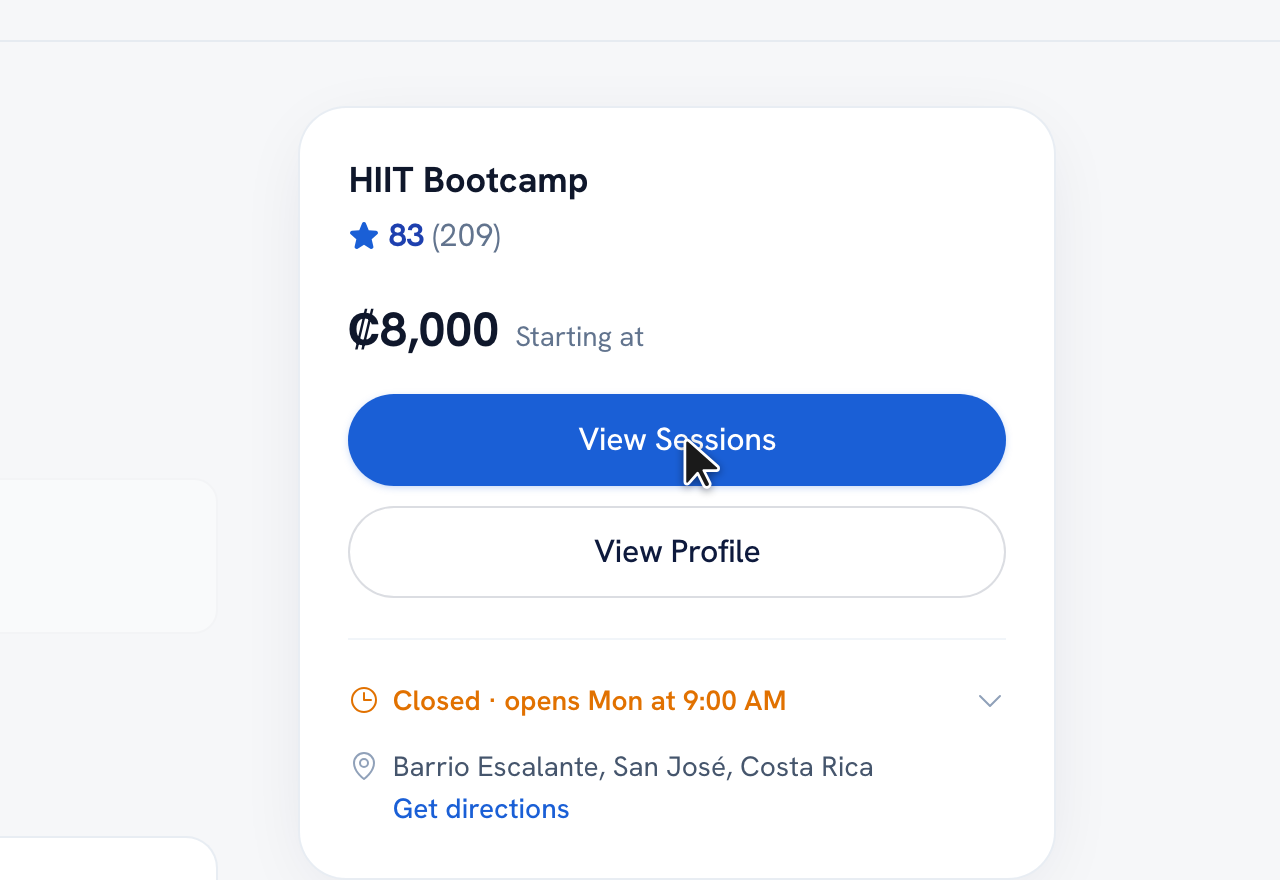
-
On a class page, tap View Sessions and choose a session that still has spots left.
-
Tap Book Now, then set who's attending and add each student's name.
-
Review and tap Confirm to enroll.
Tip: Each session shows how many spots are left, so you can see availability at a glance.
Recommended articles


Thanks for your feedback!
Was this guide helpful?