

Back
For customers
Trips
Create a trip
Create a trip
A trip is a plan, not a set of bookings. It is where you keep the things you found while browsing so you can come back and book them.
-
Open Trips from your account menu.
Go to Trips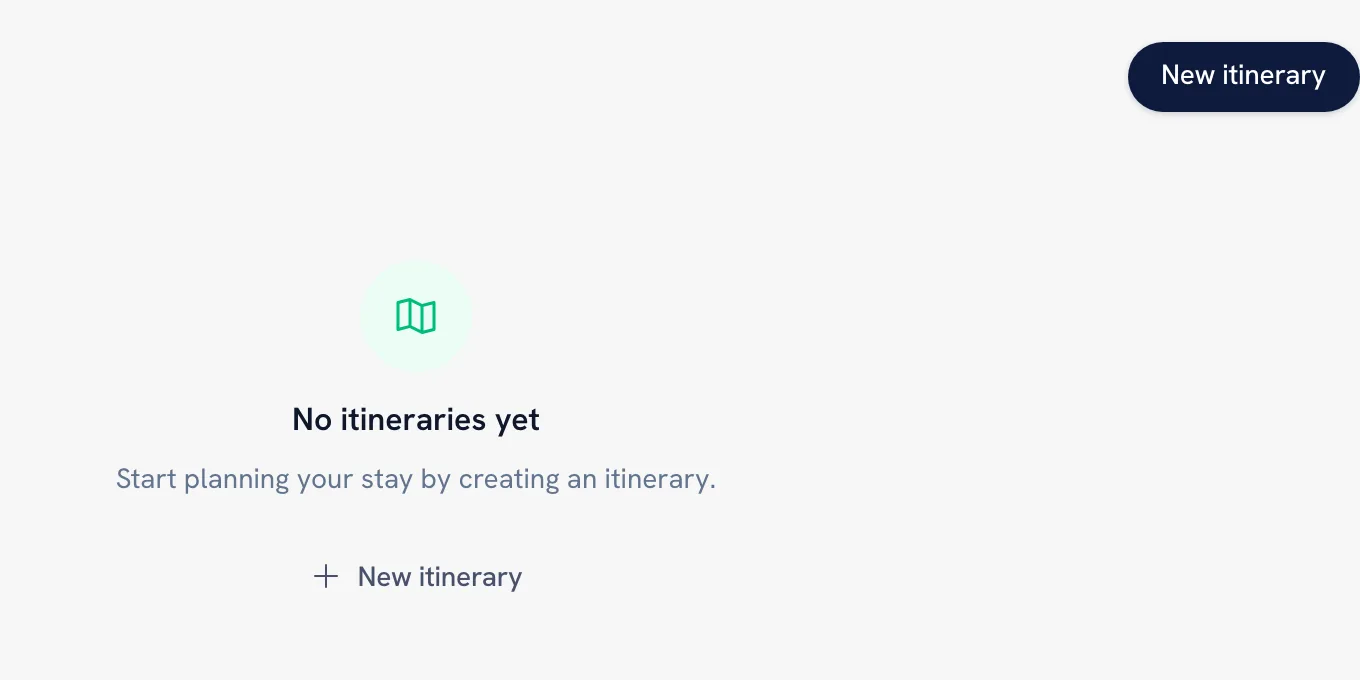
-
Tap New itinerary, give it a Title — "Uvita October trip", for example — and tap Create itinerary.
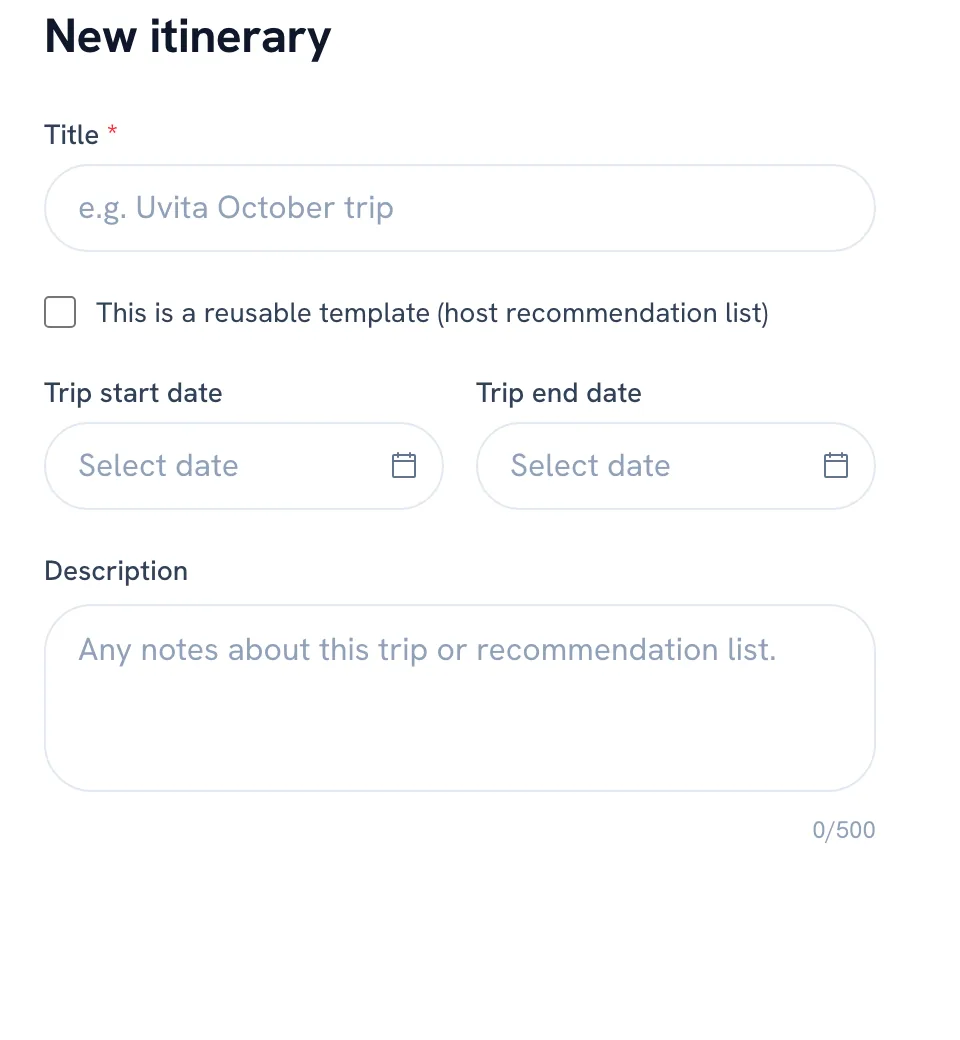
-
Browse WellFred and add services to the trip as you find them.
-
Drag the items into the order you want to do them in.
Tip: Nothing in a trip is held or reserved. A popular class can still fill up while it sits on your list, so book the things that matter early.
FAQ
What is the difference between a trip and a favorite?
A favorite is one provider saved on its own, so you can find them again. A trip is an ordered list built for a specific stay, and it can be shared with a link.
Recommended articles


Thanks for your feedback!
Was this guide helpful?