

Book with Fred
Fred is inside your account when you are signed in as a customer. It works from the same listings, prices and schedules you see on WellFred.
-
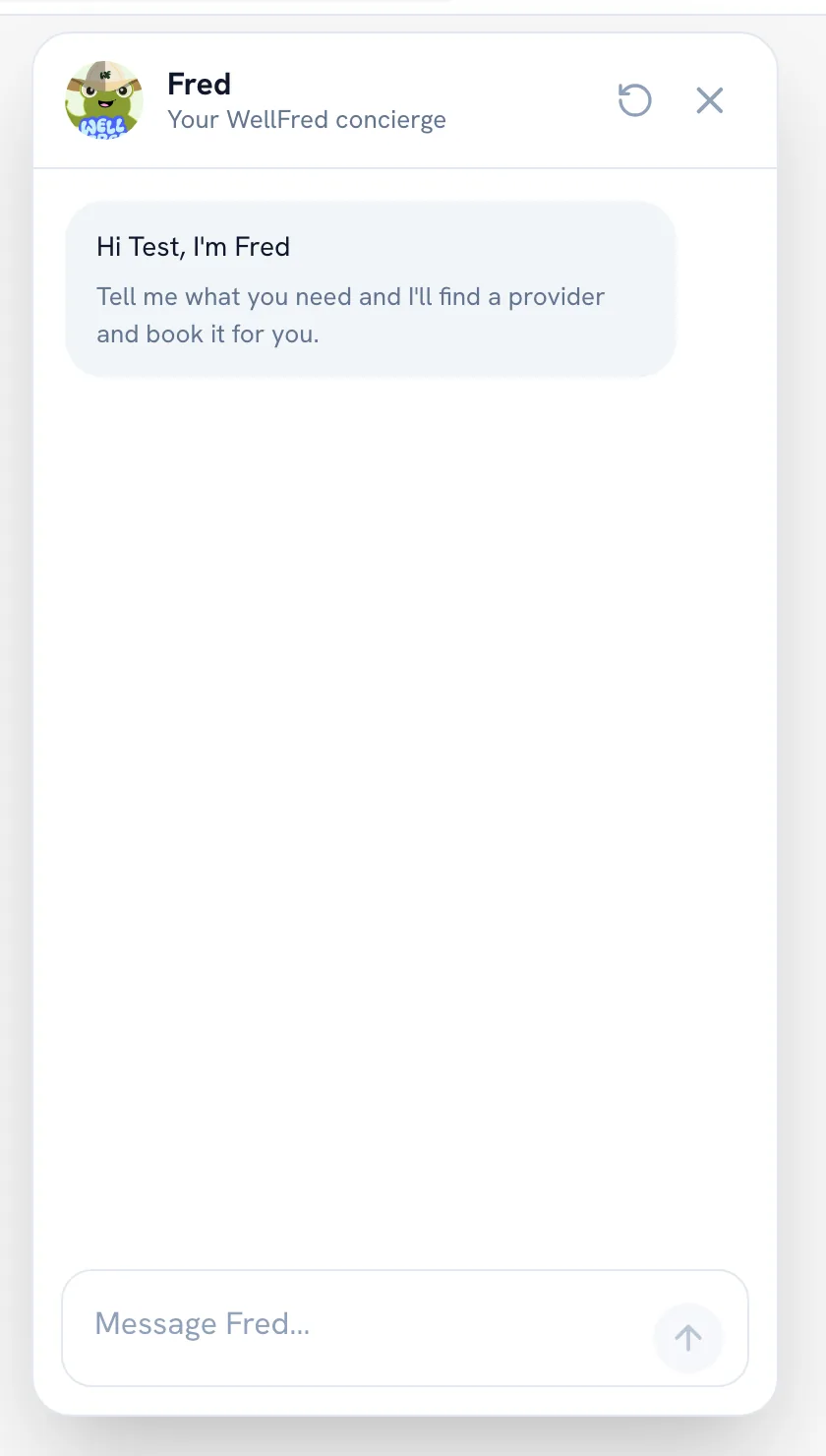
Tap Fred in the bottom-right corner of the screen to open the chat.
-
Write in Message Fred… what you need, where and when — for example, a massage at home in Uvita tomorrow afternoon for two.
-
Pick from the providers Fred finds. It checks the times that are really open and shows you a summary.
-
Confirm the summary to send the request. Nothing reaches the provider before you confirm, and the provider still has to accept it.
Tip: Use Start over to clear the whole conversation and begin again. It cannot be undone.
Recommended articles


Thanks for your feedback!
Was this guide helpful?