

Back
For customers
Booking
Save a favorite
Save a favorite
A favorite is a bookmark. It saves a provider to your own list so you do not have to search for them from scratch next time.
-
Tap the heart on a provider to add them to your favorites.
Go to Favorites -
Open Favorites from your account menu to see everyone you saved.
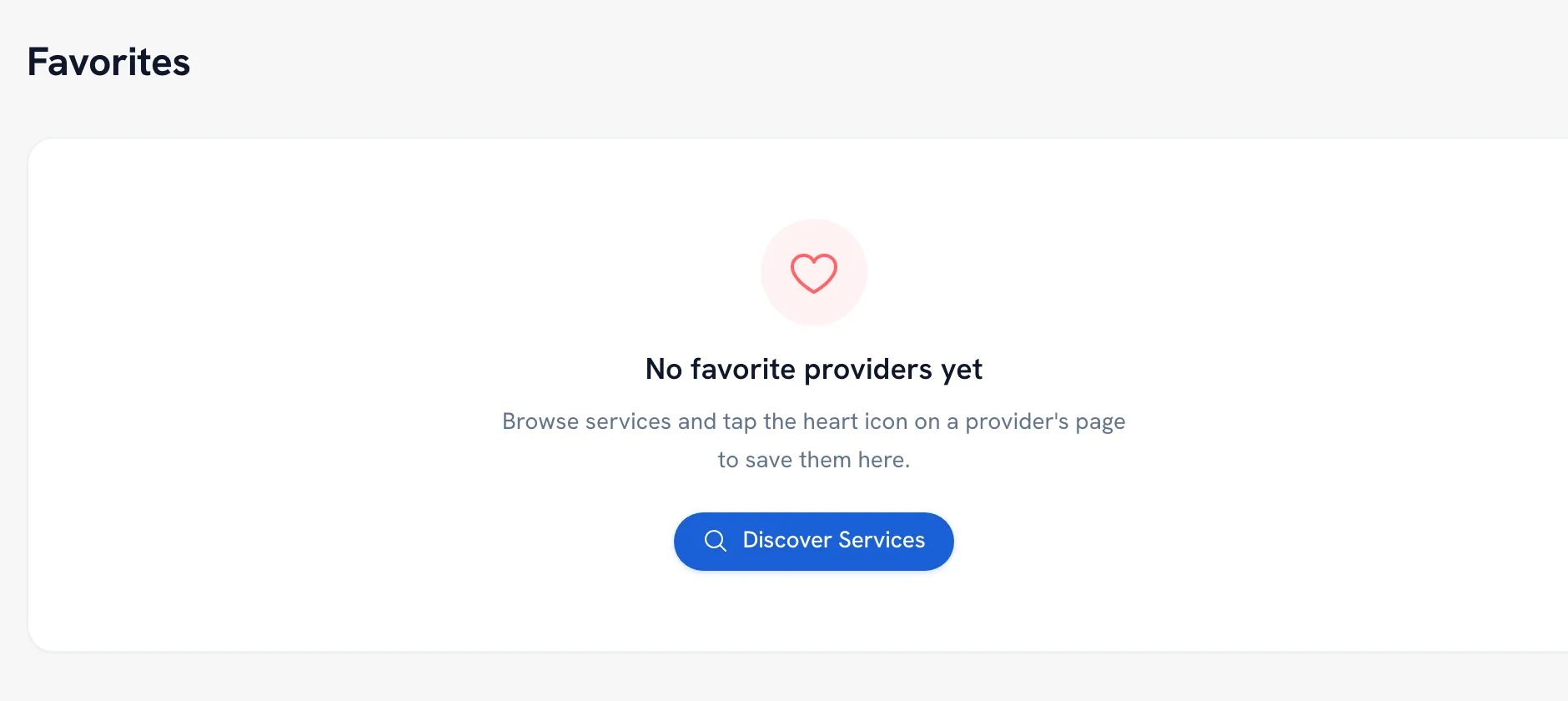
-
Tap the heart again to remove one.
Tip: Saving a favorite books nothing and holds nothing. It only makes the provider easy to find again.
FAQ
One of my favorites disappeared. Where did it go?
A provider is hidden from your favorites while they are unavailable or no longer validated. They come back to the list when the provider is back online — you did not lose the favorite.
Does the provider know I favorited them?
Your favorites are your own list for finding people again. They are not a message or a booking request, so favoriting somebody does not contact them.
Recommended articles


Thanks for your feedback!
Was this guide helpful?